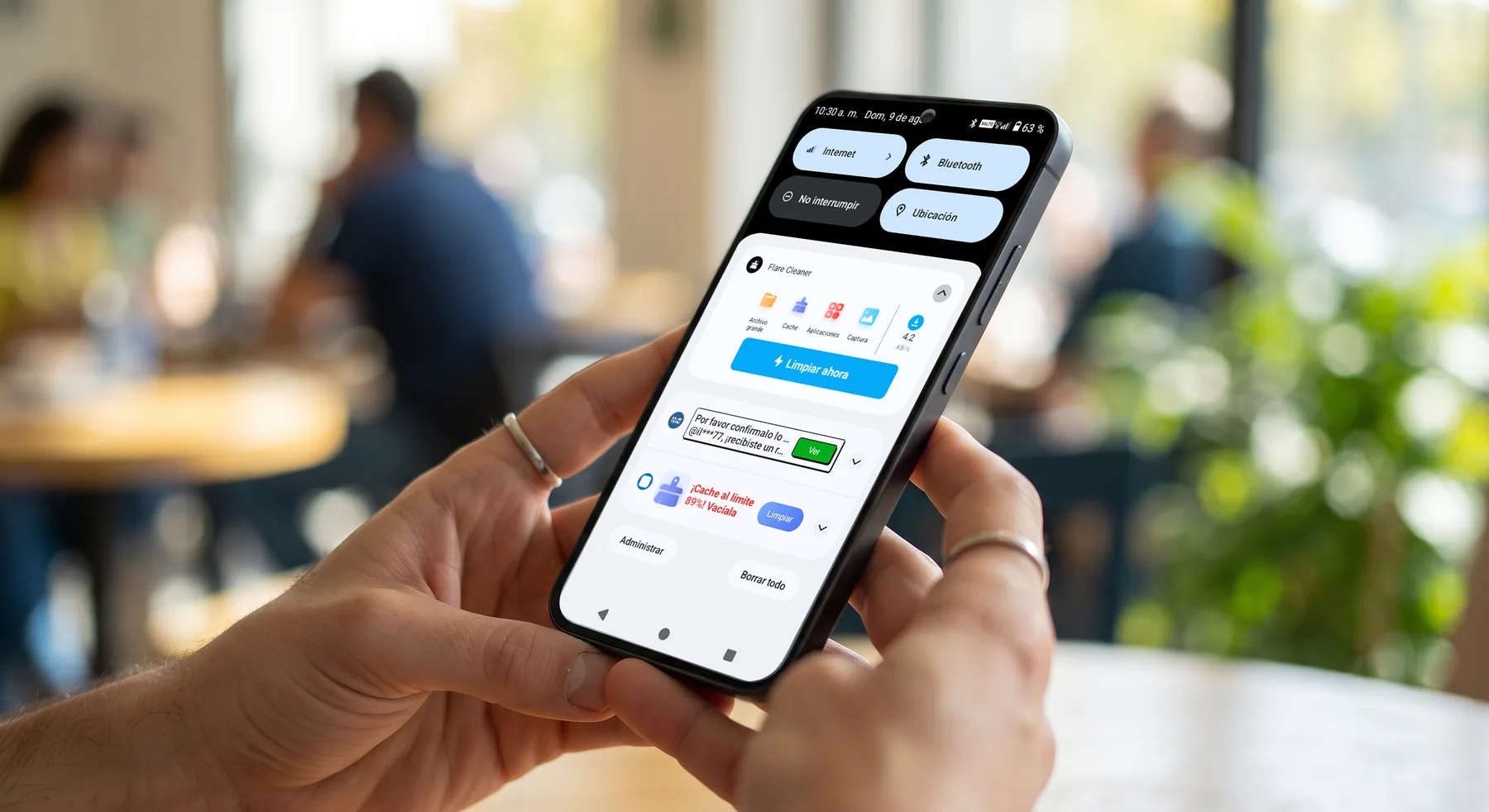
Android Virus Removal in Hialeah
Android Virus Removal in Hialeah for malware, adware, and pop-up spam. We clean Samsung, Motorola, and Pixel phones of hidden apps, browser redirects, and fake virus alerts, and most virus removals are done the same day.
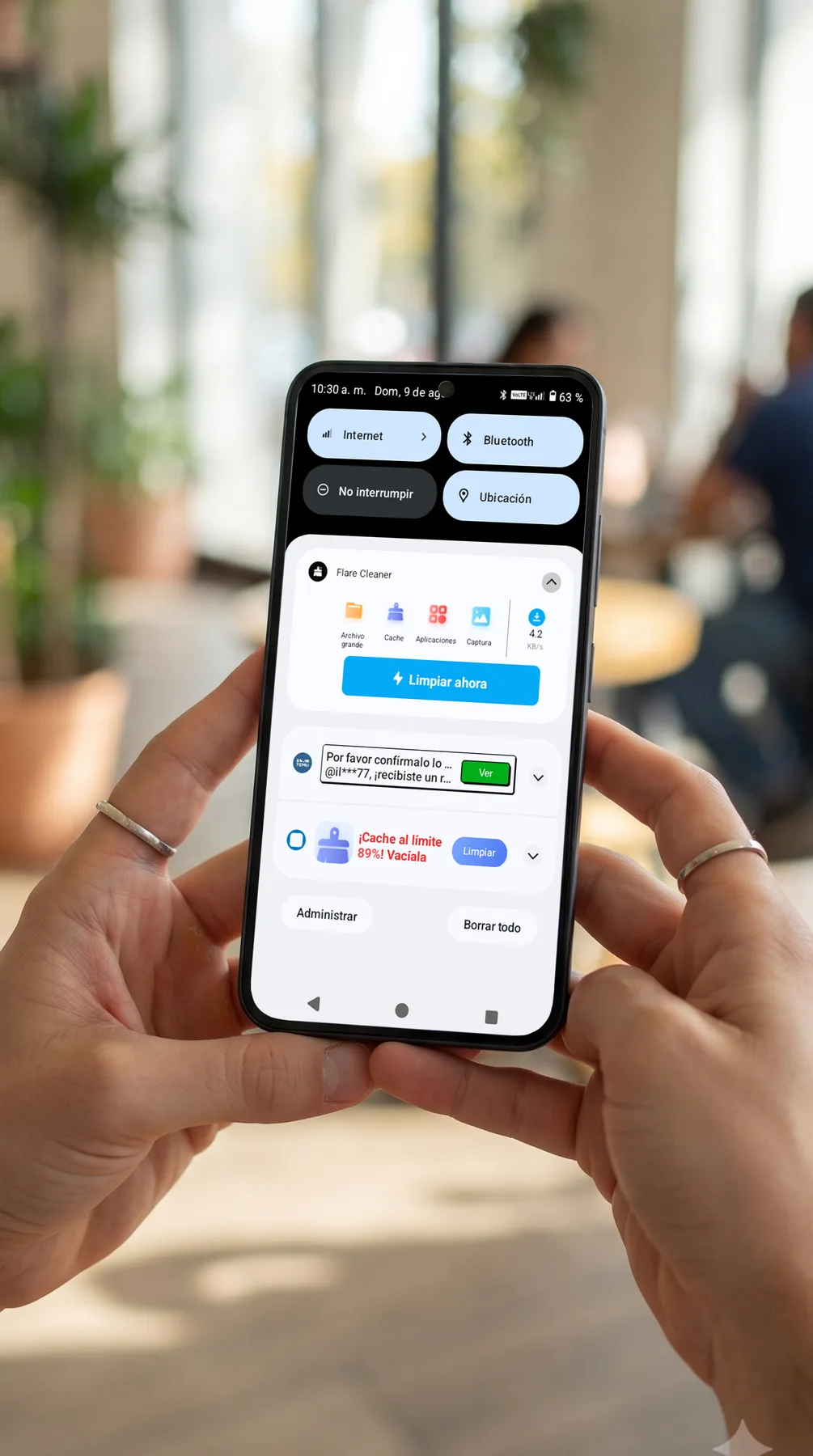
Android Virus Removal with a Careful, Same-Day Cleanup
Dealing with an Android phone infected by a virus or malware is stressful, and it often starts with something as small as a single accidental tap: a deceptive popup ad, a seemingly harmless download, or a fake "Storage Full" warning while browsing the web. Suddenly the phone feels completely hijacked. Whether you carry a Samsung Galaxy, a Motorola, or a Google Pixel, modern malicious software is built to take over your screen, track your activity, and flood your device with ads.
We hear the same frustrating stories in our shop every week. Customers explain that their phone started acting up right after visiting a specific website, with full-screen ads interrupting even the home screen, or the browser constantly redirecting to strange search engines. Other infections hide as apps with no icon, drain the battery in a matter of hours, make the phone run hot in your pocket, or flood the calendar with fake virus alerts.
Many shops will simply wipe the entire phone and do a factory reset just to fix a software issue. We take a more careful approach: we manually inspect the running services, check device administrator permissions, and track down the exact files causing the problem, aiming to remove the adware, spyware, or malware while preserving your photos, contacts, and other data whenever possible.
You don't need to schedule an appointment or live with a compromised device. Bring your infected Android into our Hialeah shop for a full software inspection. We'll show you exactly what's running in the background and give you a clear, upfront quote before we start the cleanup. Most virus removals are completed the same day.
Signs you need Android virus removal
- Full screen pop-up ads appear randomly, even when you're not using any apps
- Fake "Storage Full" or "System Infected" warnings keep flashing on your screen
- Web browser automatically redirects you to strange search engines or scam sites
- Battery drains unusually fast and the phone feels hot to the touch without heavy use
- Your calendar suddenly fills with spam events and suspicious links
- Unfamiliar apps appear on your phone that you don't remember installing
- You find an app in your settings with a blank name and no visible icon
- You can't uninstall a suspicious app because the "Uninstall" button is greyed out
- Data usage spikes unexpectedly because hidden apps are running in the background
- Friends report getting strange text messages with links sent from your number
Get a Fast, Free Quote
Bring in your device for a free diagnosis, no appointment needed. No fix, no charge. Our technicians speak English and Spanish.
Call (786) 589-3441Frequently Asked Questions
Do I need an appointment for Android virus removal?
No appointment is required. You can walk into our repair shop in Hialeah during business hours. If you prefer, call (786) 589-3441 first to ask about availability, timing, and a personalized quote for your Android device.
What are the signs my Android phone has a virus or malware instead of just running slow?
Pop-up ads appearing outside your browser, apps you didn't install, a battery draining unusually fast, or unfamiliar toolbars are common signs. General slowness on its own isn't always malware, so we check both possibilities.
Will removing malware from my Android phone delete my files or apps?
We aim to remove the infection without wiping your personal files. In rare cases where the infection is deeply embedded, a reset may be the safer option, but we always explain that before proceeding.
How did my Android phone get infected in the first place?
Malware usually comes from a sideloaded app, a malicious link, or a fake update prompt. Once it's removed, we can point out what to avoid so it doesn't happen again.
Do I need to change my passwords after a malware removal on my Android phone?
It's a smart precaution, especially for banking, email, and any account you accessed while the phone was infected. We can walk you through which accounts are worth prioritizing.
Does Android virus removal come with a warranty?
There is no parts warranty because no part is replaced. Some viruses hide and wait, for example until the device connects to Wi-Fi. If the same problem comes back or something was not done right, bring it in within 90 days and we fix it at no extra charge. No fix, no charge.
Request a quote for Android virus removal
Bring your Android phone to Star Phone Fix in Hialeah for a free diagnosis. We will explain the issue, answer your questions, and prepare a personalized quote before any Android virus removal work begins.