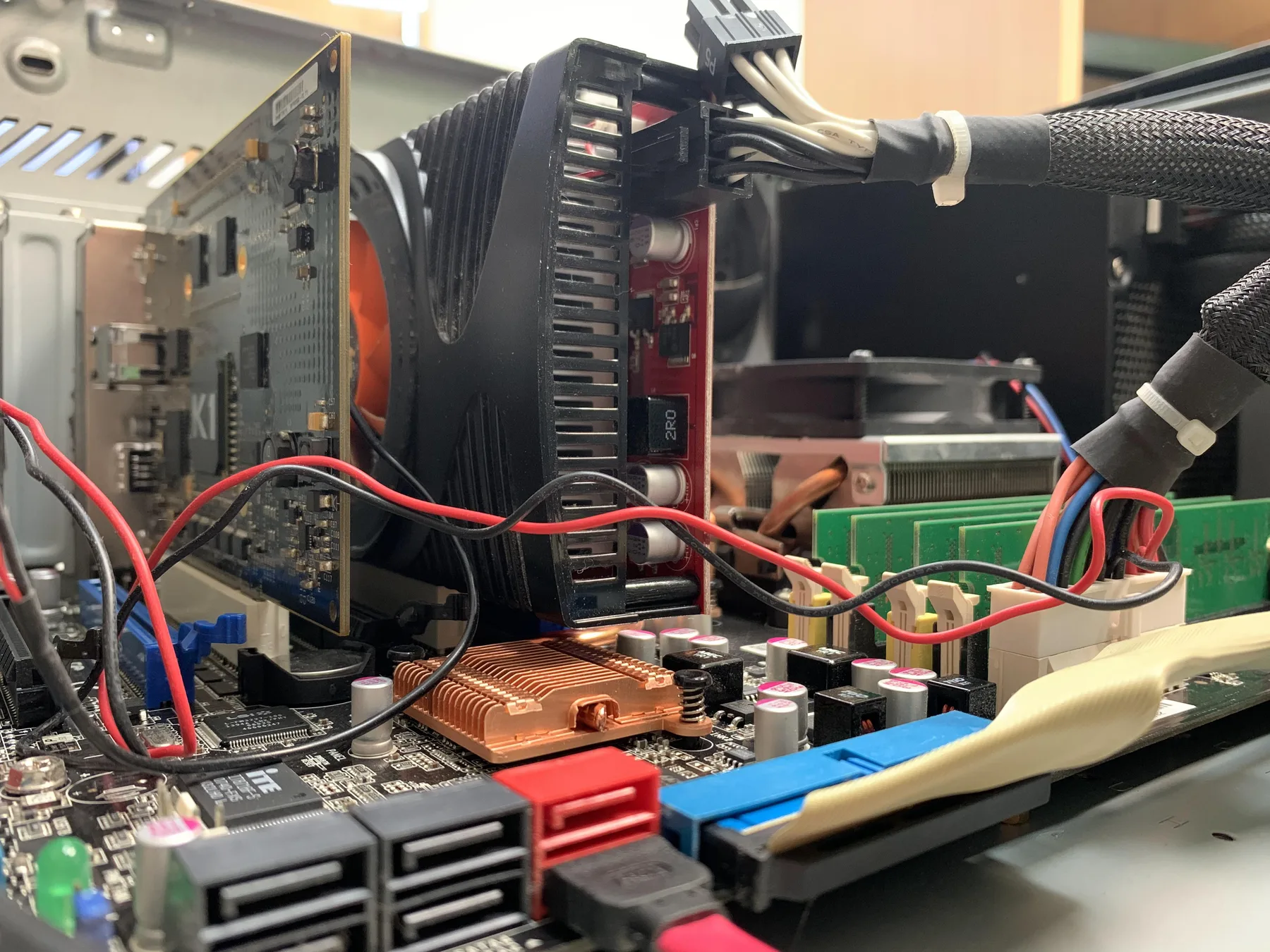
Computer Repair in Hialeah
Laptop, desktop, and gaming PC repair for slow performance, viruses, data loss, boot failures, and overheating, the everyday problems that keep you from getting work done.
Laptop and Desktop PC Repair for Viruses, Slow Computers, Data Loss and Upgrades
A freezing system, a random blue screen, or a computer that completely refuses to turn on costs you time you don't have. Whether you rely on a Windows laptop for daily work, a custom gaming PC, or a standard desktop, hardware failures or corrupted software can bring your productivity to a halt. Our computer repair service in Hialeah is built on providing practical, permanent solutions rather than temporary bandages, and we perform a hands-on diagnosis to find the root cause before recommending any repair.
Many computer issues are software-related, from aggressive malware and virus infections to corrupted operating systems that won't boot. If your computer is flooded with pop-up ads, your browser keeps redirecting, or everything runs suspiciously slow, our cleanup process removes the threat without unnecessarily wiping your personal files. We also handle data recovery. If you're dealing with a failing hard drive or an accidentally deleted folder, we use proven techniques to try to rescue your photos, documents, and other files.
On the hardware side, aging components can make even a good computer feel ancient. If your fans sound like a jet engine and the case runs hot, we can clean the internal cooling system to prevent thermal damage. We also fix physical damage, including cracked laptop screens, broken hinges, sticky keyboards, and damaged charging ports, and if storage space or a slow startup is the issue, we can upgrade your system with an SSD and additional RAM to make it perform noticeably better.
You deserve to know exactly what you're paying for and why. Whether the fix is a quick virus cleanup, a hard drive replacement, or a hardware upgrade, we explain what we found and prepare a clear, personalized quote before any work begins. No appointment is needed to get your machine evaluated. Walk your laptop or desktop into our Hialeah shop, and we'll get started on a solution right away.
Signs your computer needs repair
- Startup takes several minutes, freezes at the logo, or refuses to boot
- Computer is flooded with pop-up ads, fake virus alerts, or constant browser redirects
- Blue Screen of Death (BSOD) errors crash your system during normal use
- Hard drive makes a clicking or grinding noise and you need to recover trapped files
- Cooling fans run loud and the case or the bottom of the laptop feels hot
- Laptop only charges at a specific angle, or the battery drains unusually fast
- Apps take noticeably longer to open or the screen often says "Not Responding"
- Laptop screen is cracked, has dead pixels, or shows strange colored lines
- Keyboard has missing or sticky keys, or the trackpad refuses to click
- Screen hinges are broken, loose, or separating from the casing
Get a Fast, Free Quote
Bring in your device for a free diagnosis, no appointment needed. Every repair includes a 90-day warranty. No fix, no charge. Our technicians speak English and Spanish.
Call (786) 589-3441Common repairs
MacBook Repair
Screens, batteries, keyboards, ports, and boot issues.
Laptop Repair
Screens, hinges, batteries, and charging ports.
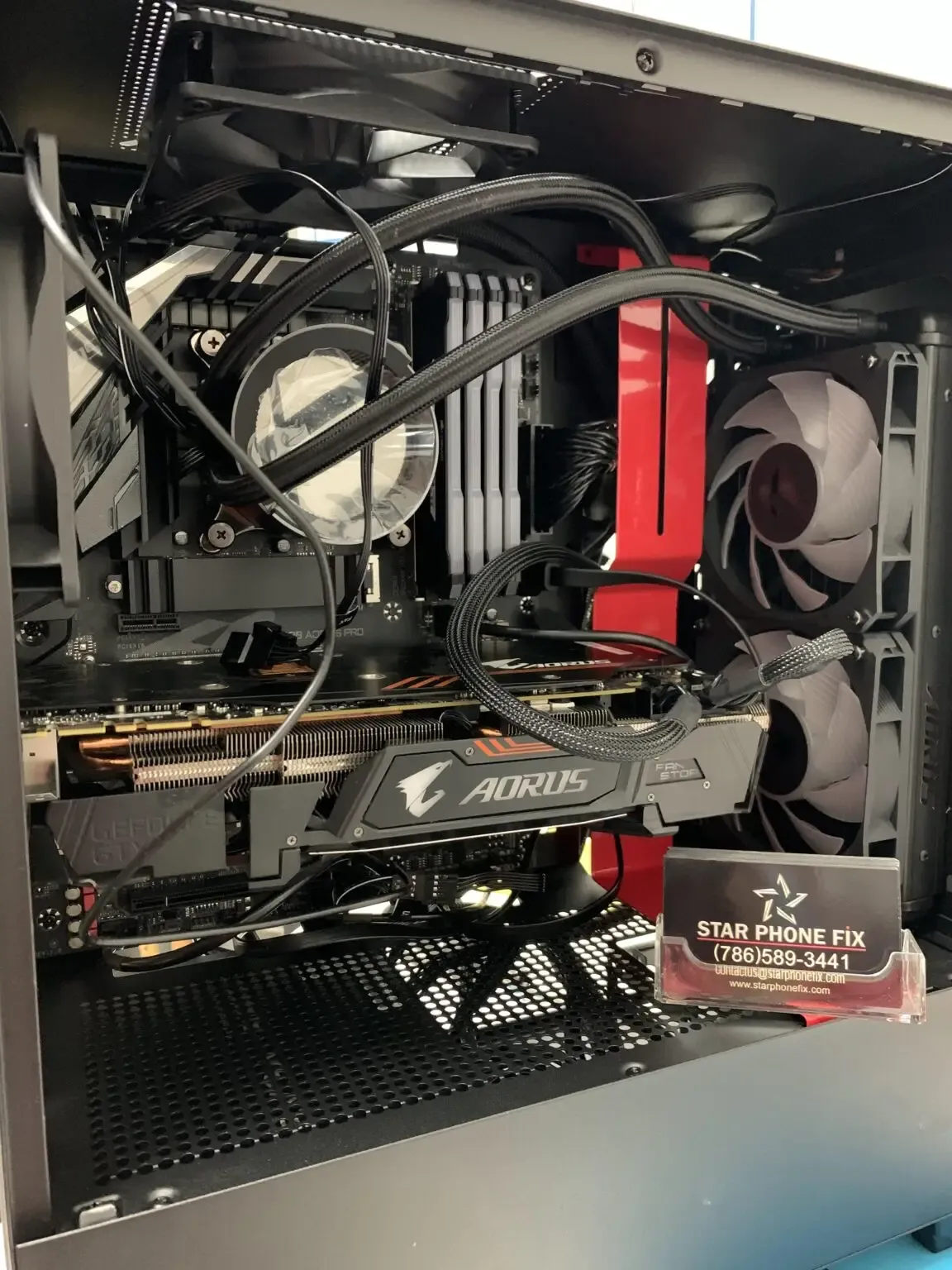
Gaming Computer Repair
Desktops and gaming laptops with heat, power, or GPU issues.
Data Recovery
Failed drives, deleted files, and phones that will not boot.
Hard Drive Replacement
HDD-to-SSD upgrades and drive failure diagnosis, laptop or desktop.
Memory (RAM) Upgrade
Faster multitasking for a laptop or desktop that struggles with tabs and apps.
Malware & Virus Removal
Pop-ups, hijacked browsers, and infections cleaned safely.
Internal Maintenance
Dust cleaning and thermal paste for a computer running hot or loud.
Simple repairs and virus removal are often done the same day, while laptop screens and batteries usually have to be ordered for your exact model.
Frequently Asked Questions
How long does computer or laptop repair take?
Simple repairs and virus removal are often same-day. Hardware upgrades, data recovery, or board-level issues may take longer depending on parts availability and the extent of the damage.
Can you recover files from a computer that will not turn on?
In many cases, yes. We can often recover photos, documents, and files from the drive even if the computer itself will not boot, as long as the drive is physically functional.
Should I bring my computer in for maintenance even if nothing seems wrong?
It helps. Dust buildup, aging thermal paste, and background software clutter slow computers down over time. Periodic cleaning and tune-ups help prevent overheating and extend your computer's lifespan.
Will virus removal delete my files?
We remove malware and clean up your system while doing our best to preserve your files. A factory reset is only used as a last resort, and we explain the options first.
Do you repair gaming PCs?
Yes. We diagnose gaming-specific issues like crashes under load, overheating, and performance drops, in addition to general laptop and desktop repair.
Can you upgrade my laptop's storage or memory?
Yes. SSD and RAM upgrades are some of the most effective ways to speed up an aging laptop or desktop, and we can recommend the right upgrade for your system.
What if my hard drive has physical damage and recovery seems impossible?
For severe hardware damage (cases that look beyond a normal shop repair), we partner with specialized data recovery laboratories. They use advanced techniques for drives and storage that will not respond to standard recovery methods. Bring the device in and we will assess whether a lab partnership is the right next step.
Does computer repair come with a warranty?
Yes. Every repair at Star Phone Fix includes a 90-day warranty that covers the parts we replace and the labor of that repair under normal use. It does not cover new accidental damage, liquid damage after pickup, or software issues unrelated to the repair.
Do you repair laptops for customers outside Hialeah?
Yes. We repair laptops and desktops for customers from Doral, Miami Lakes, Hialeah Gardens, Miami Springs and other parts of Miami-Dade. The shop is at 405 W 29th St in Hialeah, about 20 minutes from Miami International Airport. Diagnosis is free, and you get the timeline before any work starts.
Request a quote for your computer repair
Bring in your laptop, desktop, or gaming PC for a free diagnosis. We'll identify the real cause (hardware, virus, or software) and prepare a personalized quote before any work begins.