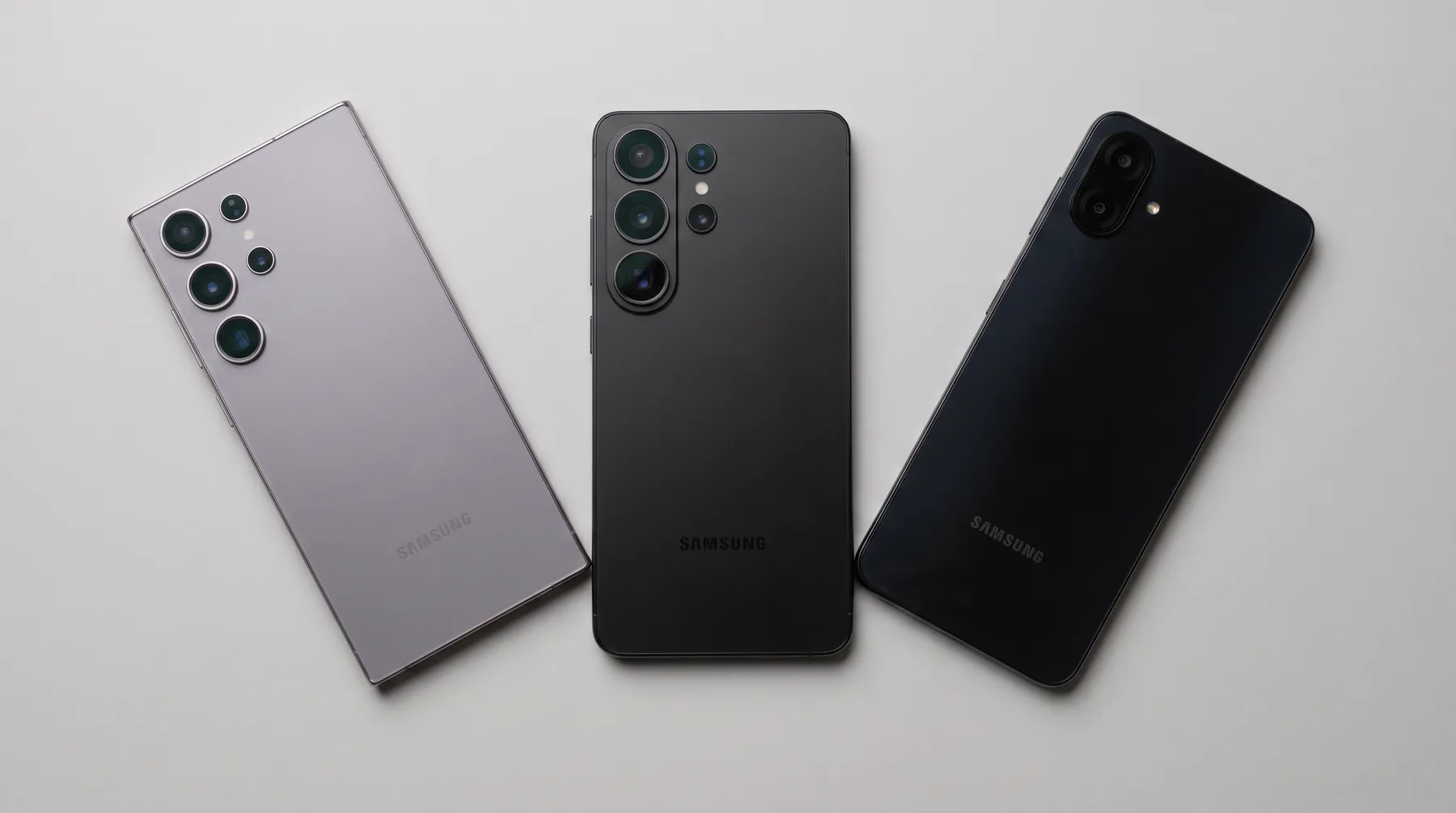
Samsung Camera Repair in Hialeah
Samsung Camera Repair in Hialeah for lens glass and camera modules. Whether it is just the lens glass or the full camera module, most Galaxy camera repairs are completed the same day.
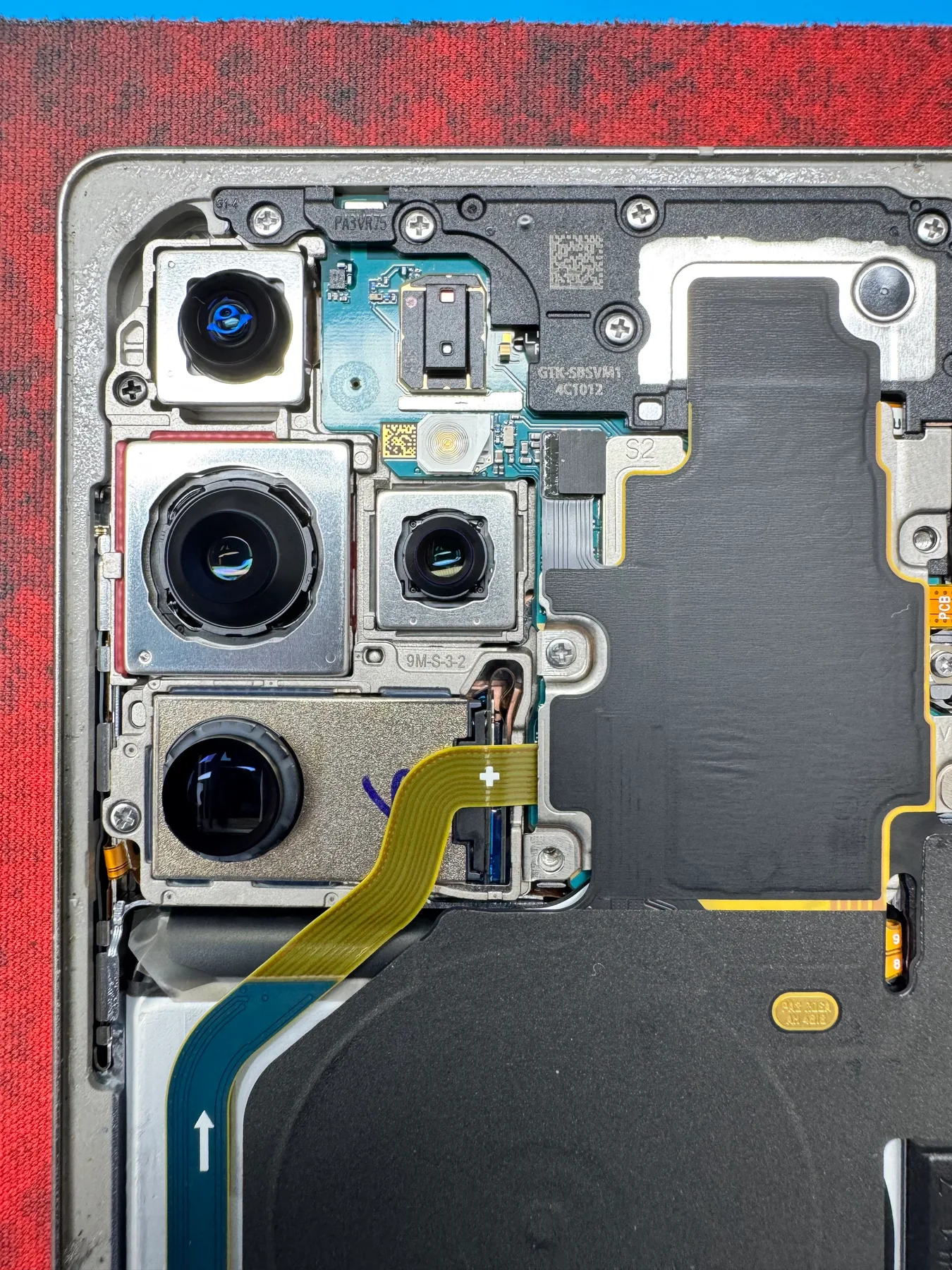
Samsung Galaxy Camera Repair with OEM-Quality Parts and a Fast Turnaround
Nothing is more frustrating than seeing a "Camera failed" error pop up right as you try to capture a moment. Whether you carry a premium Galaxy S series, a versatile Galaxy A series, or a foldable Galaxy Z series, a camera you can't trust means missed shots and awkward video calls. Sometimes the damage is obvious, like a shattered lens after a drop, but other times the glass looks untouched while the camera app keeps crashing or showing a black screen.
We start by figuring out exactly what's wrong. If the damage is limited to the protective glass over the lens, that's usually a straightforward, affordable repair on its own. If the camera module itself has failed, whether from a hard impact, moisture, or a damaged sensor, we replace the entire module. We use OEM-quality parts so autofocus, Night Mode, and the ultrawide lens all work exactly the way they should.
You don't need to schedule anything ahead of time or mail your phone anywhere. Bring your Samsung into our Hialeah shop, and we will inspect the hardware, explain exactly what we found, and prepare a transparent quote before starting. Most camera repairs, whether it's just the lens glass or the full internal module, are completed the same day so you can get back to taking photos.
Signs you need Samsung camera repair
- Screen shows a "Camera failed" or "Camera keeps stopping" error message
- Camera app opens to a solid black preview or freezes instantly
- Photos come out blurry no matter what you try, or the lens won't auto-focus
- Cracked, scratched, or shattered glass over the rear camera lens
- A dark spot, smudge, or ring shows up in the same place on every photo
- Camera makes a faint buzzing, clicking, or vibrating sound while trying to focus
- Zoom feature is missing, frozen, or won't switch between lenses
- Night mode or portrait mode has completely stopped working
- Flash won't fire, or fires but the photo still comes out dark
- Front camera works fine but the main rear camera doesn't, or vice versa
- Colors in photos look washed out, foggy, or oddly tinted
- Camera problems started right after the phone got wet
Get a Fast, Free Quote
Bring in your device for a free diagnosis, no appointment needed. Every repair includes a 90-day warranty. No fix, no charge. Our technicians speak English and Spanish.
Call (786) 589-3441Frequently Asked Questions
Do I need an appointment for Samsung camera repair?
No, you're welcome to walk in during business hours. If you'd rather check ahead, call (786) 589-3441 and we can talk through timing and a rough quote for your Galaxy model.
Why are my Galaxy's photos suddenly blurry, dark, or refusing to focus?
That combination usually points to a camera module problem, like a loose connector or moisture that reached the sensor, rather than something you can fix by cleaning the lens. We test the camera during diagnosis to see whether it's the module itself or just the glass covering it.
If just the lens glass is cracked, do I really need the whole module replaced?
Not necessarily. When the crack is limited to the protective glass and the sensor underneath still works, that's usually a simpler and less expensive repair. We always check this first before recommending a full module replacement.
Will a camera repair bring back night mode and portrait mode, and does it affect anything else nearby?
Yes, those modes depend on the camera hardware itself, so they come back once a properly working module or lens is in place. We're careful around any nearby sensors during the repair, and if your specific model has hardware where that's a real consideration, we'll mention it before we start.
Does Samsung camera repair come with a warranty?
Yes. Every repair at Star Phone Fix includes a 90-day warranty that covers the parts we replace and the labor of that repair under normal use. It does not cover new accidental damage, liquid damage after pickup, or software issues unrelated to the repair.
Request a quote for Samsung camera repair
Bring your Samsung phone to Star Phone Fix in Hialeah for a free diagnosis. We will explain the issue, answer your questions, and prepare a personalized quote before any Samsung camera repair work begins.