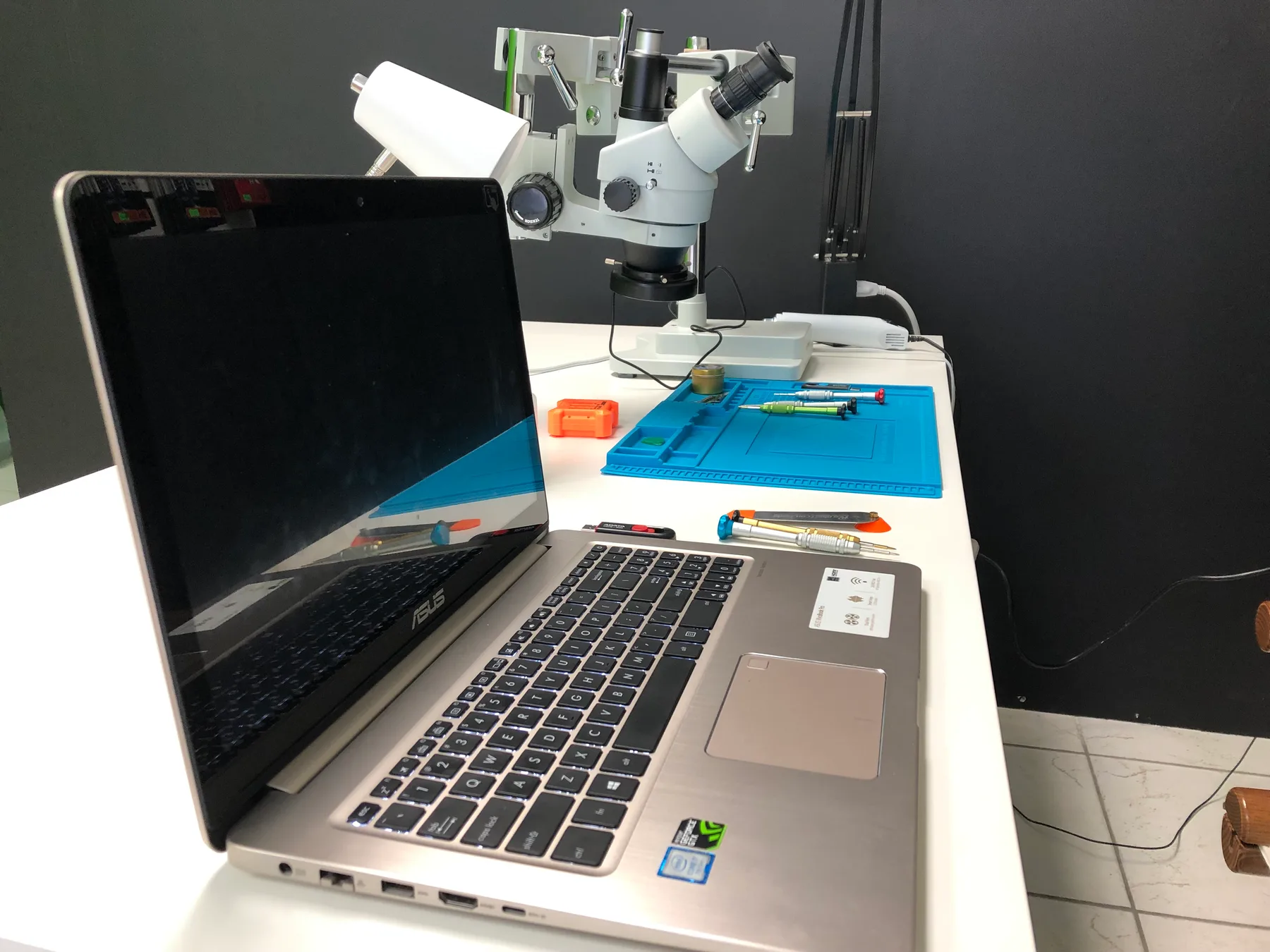
Laptop Charging Port Repair in Hialeah
Laptop Charging Port Repair in Hialeah for loose DC jacks, USB-C charge faults, and no-charge issues. Some laptops use a replaceable DC jack cable and others have the port soldered to the motherboard, so we inspect your exact model before quoting.
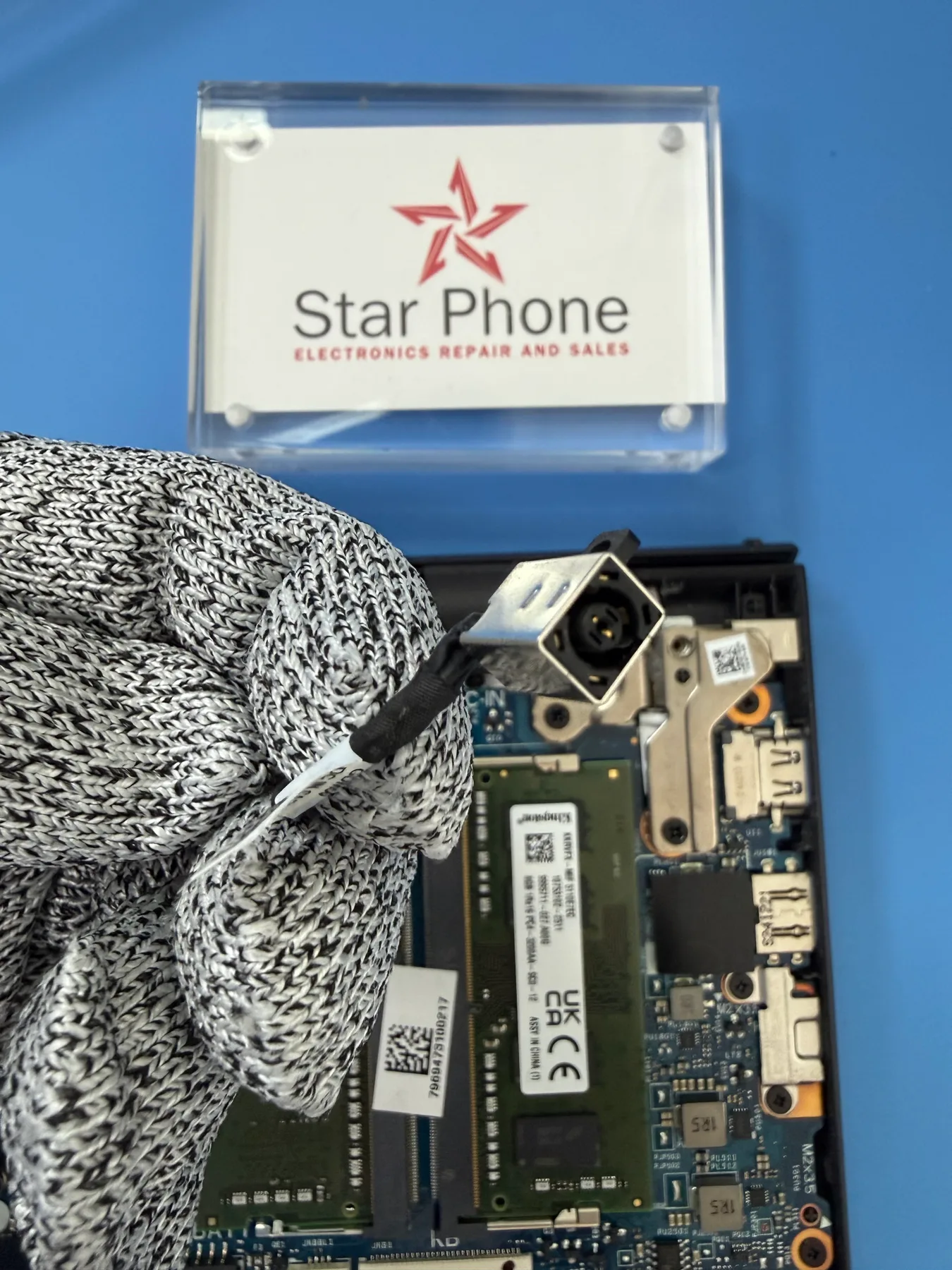
Laptop Not Charging? DC Jack and USB-C Charging Port Repair
A laptop that refuses to charge brings your entire workflow to a sudden halt. Whether you rely on a Windows machine from Dell, HP, Lenovo, ASUS, or Acer, struggling to get power into your computer is frustrating. If you find yourself constantly adjusting the power cable, wedging it at a specific angle, or watching the charging light flicker on and off, the internal charging port is almost certainly failing. We start with a careful hands-on diagnosis to confirm exactly what broke instead of just guessing.
Charging ports, also known as DC jacks, endure constant physical stress. Tripping over a power cord or simply plugging the laptop in every single day can eventually break the internal plastic housing or snap the metal mounting pins. Because the right fix depends entirely on your exact model, we open the device to evaluate the internal connections. Some laptops use a modular port that connects via a small cable, while others have the port permanently soldered to the motherboard, and we inspect the board and related hardware to ensure your personalized quote matches the real problem.
You do not need to fight with your charger just to keep your computer alive. Bring your device into our Hialeah shop, and we will walk you through the repair options in plain language. Once you approve the quote, we use quality replacement parts to restore a firm, reliable connection. Because laptop charging port parts vary by model and usually have to be ordered, we will let you know honestly how long the repair will take. No appointment is necessary, so feel free to walk in during business hours.
Signs you need laptop charging port repair
- Laptop will not charge at all or only charges sporadically
- You have to physically hold or wedge the power cable at a specific angle to get a charge
- The internal port feels completely loose, wobbly, or is pushed deep inside the laptop casing
- Charging indicator light constantly flickers on and off when you move the laptop slightly
- The tip of your charger gets dangerously hot or smells like burning plastic while plugged in
- Laptop randomly switches between battery power and AC power while sitting still on a desk
- Visible plastic damage, bent metal pins, or a snapped center pin inside the port opening
- The power cord falls out easily and no longer snaps snugly into place
- Charging has become incredibly slow and the battery takes hours longer to fill up than it used to
Get a Fast, Free Quote
Bring in your device for a free diagnosis, no appointment needed. Every repair includes a 90-day warranty. No fix, no charge. Our technicians speak English and Spanish.
Call (786) 589-3441Frequently Asked Questions
Do I need an appointment for laptop charging port repair?
No appointment is required. You can walk into our repair shop in Hialeah during business hours. If you prefer, call (786) 589-3441 first to ask about availability, timing, and a personalized quote for your laptop.
Why does my laptop charge slowly or not at all?
This is usually lint or debris packed into the port, a bent charging pin, or internal wear from years of plugging in a cable. We inspect the port first, since a simple cleaning sometimes solves it without needing a part replacement.
Can a dirty charging port be cleaned instead of replaced on my laptop?
Often, yes. We check for debris and corrosion first. If cleaning restores a solid connection, that's all that's needed. If the port itself is damaged or worn out, we'll explain why a replacement is the better fix.
Will my laptop still charge after a port repair, whether it uses a DC jack or USB-C?
Yes. We match the repair to the port your laptop actually uses, either a barrel DC jack or a USB-C charge port. After the work, we test that a known-good charger seats firmly and that the battery takes a charge before you pick the laptop up in our Hialeah shop.
What happens if my laptop charging port has water or corrosion damage?
Corrosion changes the repair. We check how far it's spread before recommending a fix, since in some cases the port and nearby components both need attention. We'll walk you through exactly what we find.
Does laptop charging port repair come with a warranty?
Yes. Every repair at Star Phone Fix includes a 90-day warranty that covers the parts we replace and the labor of that repair under normal use. It does not cover new accidental damage, liquid damage after pickup, or software issues unrelated to the repair.
Request a quote for laptop charging port repair
Bring your laptop to Star Phone Fix in Hialeah for a free diagnosis. We will explain the issue, answer your questions, and prepare a personalized quote before any laptop charging port repair work begins.