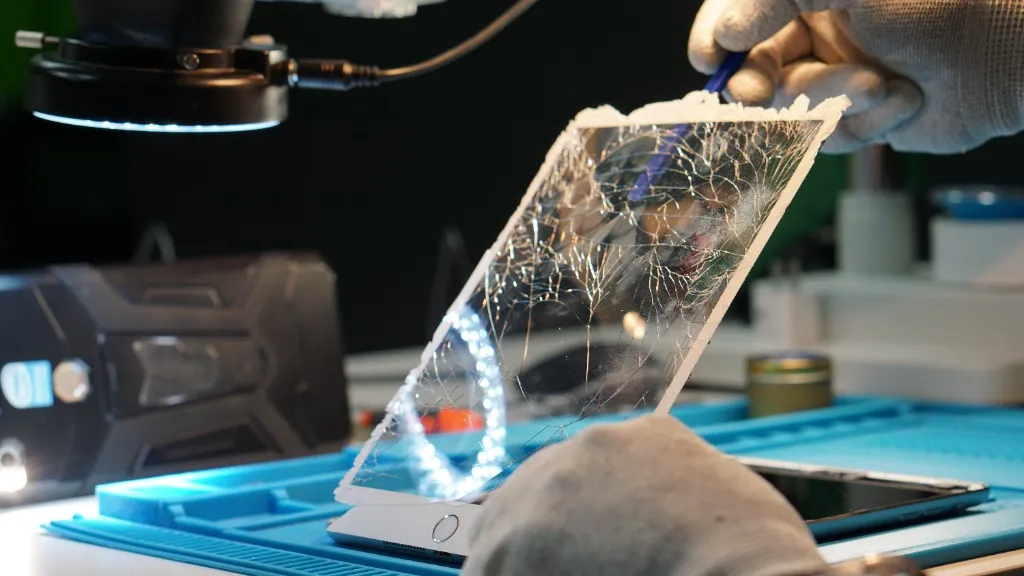
iPad Repair in Hialeah
Tablet and iPad repair for cracked displays, swollen or failing batteries, damaged charging ports, and the software glitches that interrupt class, work, or streaming.
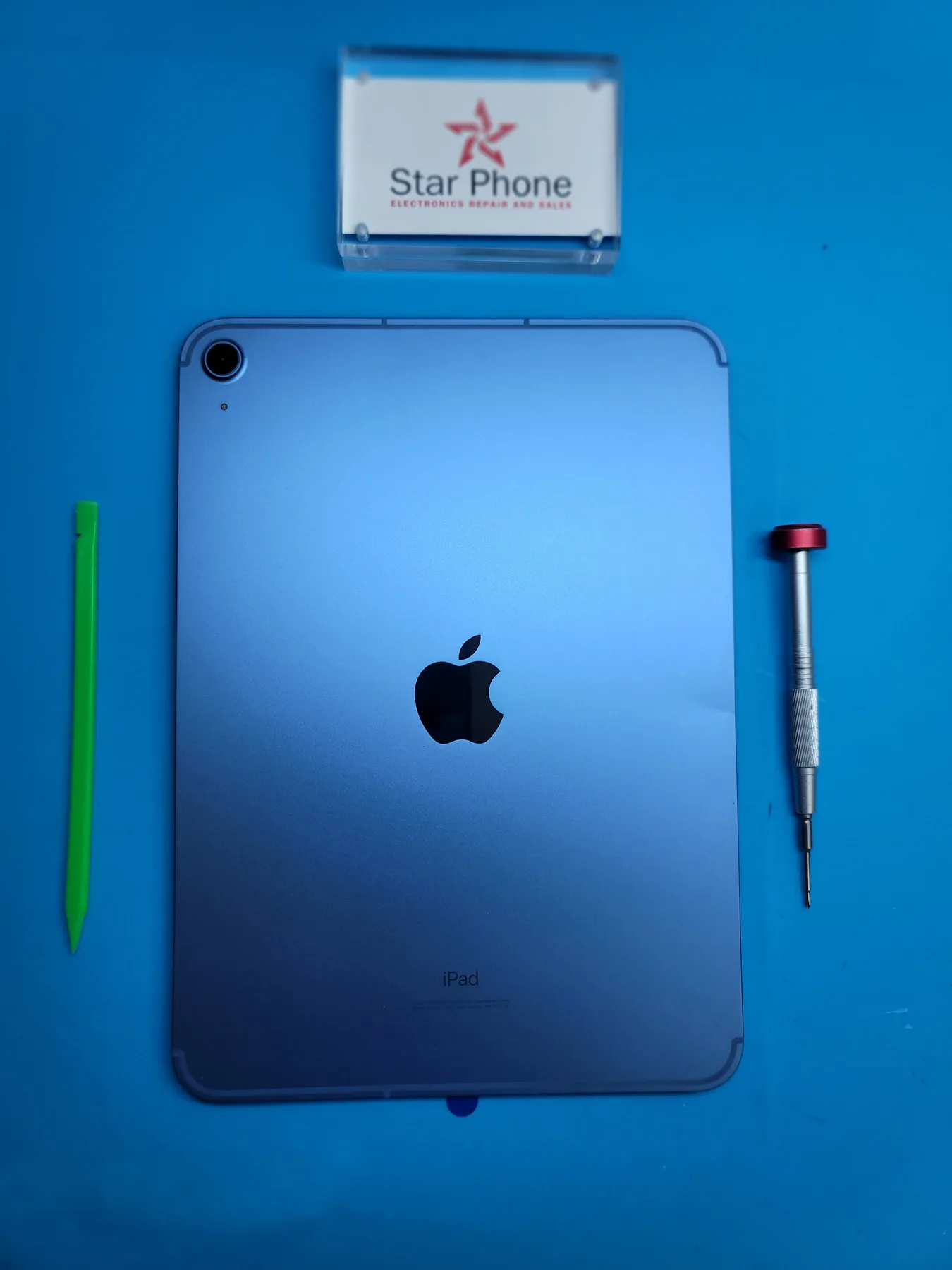
iPad Screen, Battery and Charging Port Repair for iPad Pro, Air, mini and iPad
When your iPad stops working, it disrupts your workflow, your classes, or your downtime. Whether you rely on a powerful iPad Pro, a lightweight iPad Air, a compact iPad mini, or a standard iPad, dealing with a broken tablet is frustrating. At Star Phone Fix, we handle everything from shattered displays and damaged charging ports to software glitches that freeze your device. Instead of guessing, we always start with a hands-on inspection so your quote matches the real problem on your exact iPad model before any work begins.
Repairing an iPad requires careful handling and precision, especially because of the large screen and internal battery. If your screen is lifting or the chassis looks warped, you likely have a swollen battery, which is a safety hazard that puts pressure on the fragile display glass and should never be ignored. Beyond battery replacements, we also frequently fix iPads that charge slowly, restart on their own, lose touch response after a hard drop, or get stuck on the Apple logo during an iOS update.
You do not need to schedule an appointment to get your tablet evaluated. Walk into our Hialeah repair shop during business hours, or call us at (786) 589-3441 first if you want to ask about availability and quote guidance before you visit.
Signs your tablet needs repair
- Cracked, shattered, or severely spider-webbed front glass
- Dead zones on the display that ignore your finger input or Apple Pencil
- Ghost touch issues where the screen scrolls or opens apps on its own
- Visible swelling pushing the screen up and separating it from the metal frame
- Battery drains fast or the tablet randomly shuts down with charge remaining
- Charging port feels loose and only works when you hold the cable at a specific angle
- Tablet is unresponsive, frozen on the Apple logo, or stuck in an update loop
- Home Button is physically stuck, or Touch ID stops recognizing your fingerprint
- Screen shows bright colored lines, dark ink-like spots, or distorted colors
- Speakers sound muffled or distorted during video calls or while watching videos
- You need to safely recover photos, notes, or files from a damaged device
Get a Fast, Free Quote
Reference prices: screens from $60, batteries from $50 and charging ports from $65. Your exact price depends on the model and the part you choose.
Bring in your device for a free diagnosis, no appointment needed. Every repair includes a 90-day warranty. No fix, no charge. Our technicians speak English and Spanish.
Call (786) 589-3441Frequently Asked Questions
Do I need an appointment for iPad repair?
No appointment is required. You can walk into our repair shop in Hialeah during business hours. If you prefer, call (786) 589-3441 first to ask about availability, timing, and a personalized quote for your iPad.
How long does iPad repair take?
It depends on what time you bring it in, what the repair needs, and whether we have the part in stock. Bring your iPad in for an evaluation and we'll give you a realistic time estimate.
Can I get a quote before the repair starts?
Yes. Every iPad repair starts with diagnosis and a personalized quote so you know the plan before we begin any work.
Is repairing the screen the same as repairing the glass?
Not always. Depending on the model, some tablets only need the outer glass replaced, while others require a full display assembly. We diagnose your specific device and explain which option applies before any work begins.
Do you repair Android tablets, or only iPads?
We service both. In addition to iPads, we repair major Android tablet brands for screens, batteries, charging ports, and software issues. You can also visit our Android tablet repair page for brand details.
Why does my tablet screen touch itself or register phantom taps?
That is often called ghost touch. It can come from a damaged digitizer, a failing display, or software issues. We diagnose the cause and recommend the right repair so the touchscreen responds correctly again.
Do you offer data recovery for tablets?
In many cases, yes. If your tablet still powers on, we can often help with backup and recovery. When a tablet will not turn on and you have important files, we can evaluate whether advanced lab techniques are a realistic path to recover your data.
Does iPad repair come with a warranty?
Yes. Every repair at Star Phone Fix includes a 90-day warranty that covers the parts we replace and the labor of that repair under normal use. It does not cover new accidental damage, liquid damage after pickup, or software issues unrelated to the repair.
Request a quote for your iPad or tablet repair
Bring in your iPad or tablet for a free diagnosis. We'll explain exactly what's wrong and prepare a personalized quote before any repair work begins.