How the Difficulty Levels Work
- Easy: no need to open the controller.
- Medium: opening the shell and disconnecting cables, no soldering.
- Hard: soldering on the board.
- Expert: microsoldering or pad repair under a microscope.
Easy
DualSense Edge Stick Module Swap
- The DualSense Edge has replaceable stick modules: remove the faceplate, release the lever, and swap the module.
- No tools and no soldering. This is the one stick drift fix designed for users.
Reset, Re-Pair, and Firmware Update
These fix many connection problems without opening anything. The PS5 controller troubleshooting guide goes through them step by step.
Medium
Battery Replacement
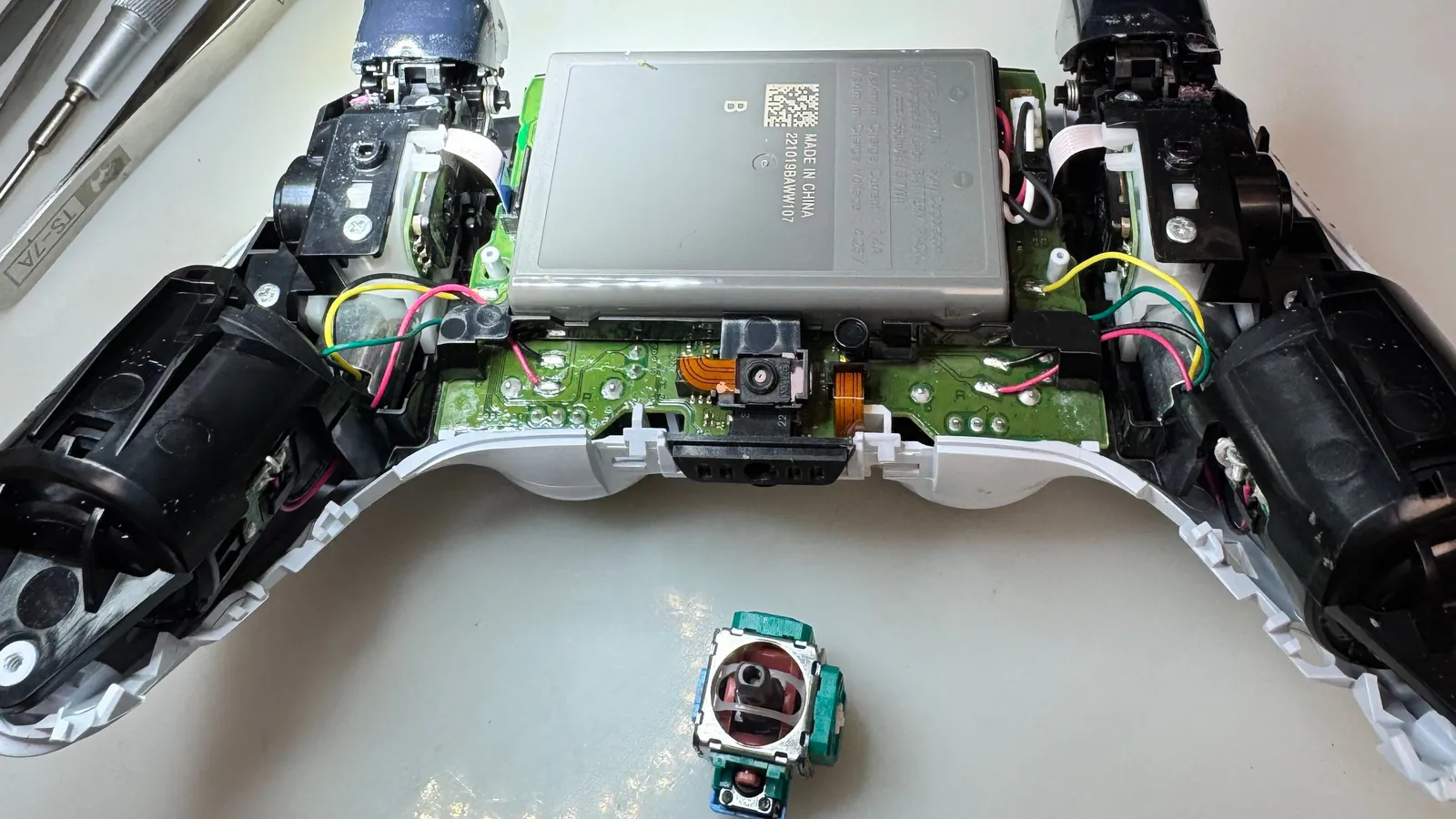
- It requires opening the shell, removing the board shield, and disconnecting the battery.
- The most common accident is breaking the battery connector off the board by pulling the wires, covered in our article on the broken DualSense battery connector.
Shell, Buttons, and Conductive Pads
- Sticky or unresponsive buttons are often dirt or worn rubber pads.
- The fix needs full disassembly, and the ribbon cables for the touchpad and the charging port board tear easily.
Adaptive Trigger Motor or Gear
- Triggers that lose resistance or click can need a new motor or gear assembly.
- The parts are delicate, with small springs and precise alignment.
Hard
Stick Drift: Joystick Module Replacement
- On the standard DualSense, the joystick modules are soldered to the board.
- The old module has to come off cleanly without lifting any pads.
- Replacement options are standard potentiometer modules or Hall Effect and TMR modules that resist drift, compared in potentiometers vs Hall Effect vs TMR.
USB-C Charging Port Replacement
The port is soldered to a small board and needs controlled heat, flux, and magnification. The DualSense USB-C port article explains when it needs replacing.
Expert
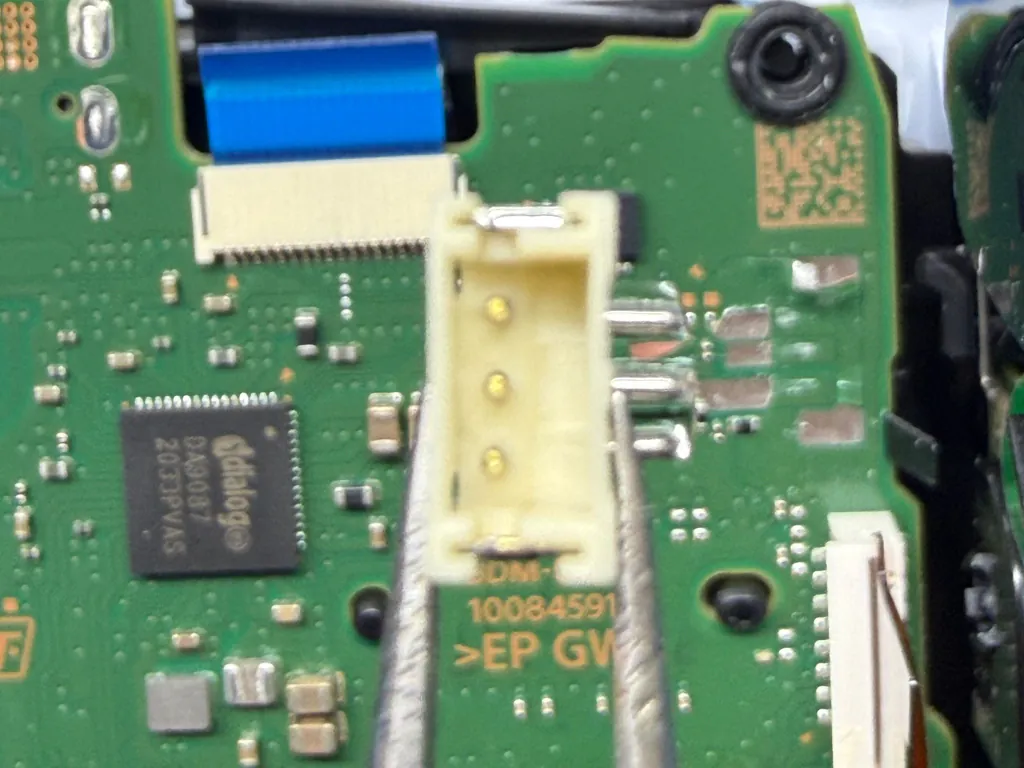
Torn Pads and Broken Connectors
- When a connector rips off with its copper pads, the pads are rebuilt with fine wire and solder mask under a microscope.
- It is the typical result of a DIY battery or stick repair gone wrong.
Board Faults
No power, or no charging with a good port and battery, requires measuring the charging circuit and replacing components on the board.
The Parts That Break Most Often During DIY Repairs
- The battery connector, pulled by its wires.
- The touchpad and charging board ribbon cables, torn while opening the shell.
- The pads under the joystick, lifted by too much heat.
- The shell clips, broken by metal tools.
Difficulty Table
| Repair | Difficulty | DIY? |
|---|---|---|
| DualSense Edge stick module | Easy | Yes |
| Reset and firmware | Easy | Yes |
| Battery replacement | Medium | Technician recommended |
| Buttons, shell, and pads | Medium | Technician recommended |
| Adaptive trigger motor | Medium | Technician recommended |
| Stick drift (soldered module) | Hard | Technician |
| USB-C charging port | Hard | Technician |
| Pad repair and board faults | Expert | Technician (microsoldering) |
Need Your PS5 Controller Repaired in Hialeah?
Star Phone Fix repairs DualSense and DualSense Edge controllers at its Hialeah shop: stick drift with standard, Hall Effect, or TMR modules, charging port, battery, buttons, and triggers. Our PS5 Controller Repair page covers each repair. We usually have new, original and sealed Stick Modules for DualSense Edge Wireless Controller in stock, and we show you how to swap one for free.
Frequently Asked Questions
Can I fix PS5 controller stick drift myself?
On the DualSense Edge, yes: the stick modules are designed to be swapped by hand in under a minute. On the standard DualSense, the joystick modules are soldered to the board, so the repair means desoldering the old module and soldering a new one without damaging the pads.
Is replacing a DualSense battery easy?
It is one of the simpler internal repairs, but it still requires opening the controller and disconnecting a small connector. Pulling the battery wires instead of the plastic plug can rip the connector off the board, which turns a simple swap into a microsoldering repair.
Why do my DualSense buttons stick or not respond?
Usually because of dirt or worn conductive rubber pads under the buttons. Cleaning or replacing the pads requires taking the controller apart, and the ribbon cables inside tear easily if the shell is opened without care, so check for an active button remapping in Settings first.
Can the adaptive triggers be repaired?
Yes. When a trigger loses its resistance or makes clicking noises, the motor or gear assembly behind it can be replaced. The parts include small springs and need precise alignment, so the trigger feels even again only when the assembly is put back exactly as it came out.