Signs the USB-C Charging Port Is the Problem
A failing port usually gives warning signs before it stops working completely. These are the ones customers describe most often:
- The controller only charges if you hold or bend the cable in a certain position.
- The cable feels loose and slips out with very little pressure.
- The light bar pulses orange for a moment and then stops, even though the battery is low.
- The controller disconnects when you play wired, every time the cable moves.
- You see dark marks inside the port, or notice a burnt smell after charging.
Rule Out the Simple Causes First
Before assuming the port is damaged, it is worth spending five minutes on the easy checks. Many "dead" controllers come back to life with one of these:
- Try another cable: USB-C cables fail more often than ports. Use one that supports data, not a charge-only cable, and test it with your phone first.
- Try another power source: plug into a different USB port on the PS5 or a wall adapter. If you charge while the console is in rest mode, check that it is set to supply power to the USB ports.
- Clean the port carefully: lint from pockets and cases packs into the port and stops the plug from seating fully. A wooden toothpick works; never use metal tools.
- Reset the controller: press the small reset button on the back, near the L2 trigger, for about five seconds, then connect it with the cable.
Why DualSense USB-C Ports Wear Out
The port inside a DualSense takes more abuse than most people realize. Playing for hours with the cable plugged in puts sideways pressure on it every time you move the controller, and a cable that gets yanked or stepped on can crack the solder joints that hold the port to the board. Over time the internal contacts loosen, which is why the cable starts needing a specific angle to make contact.
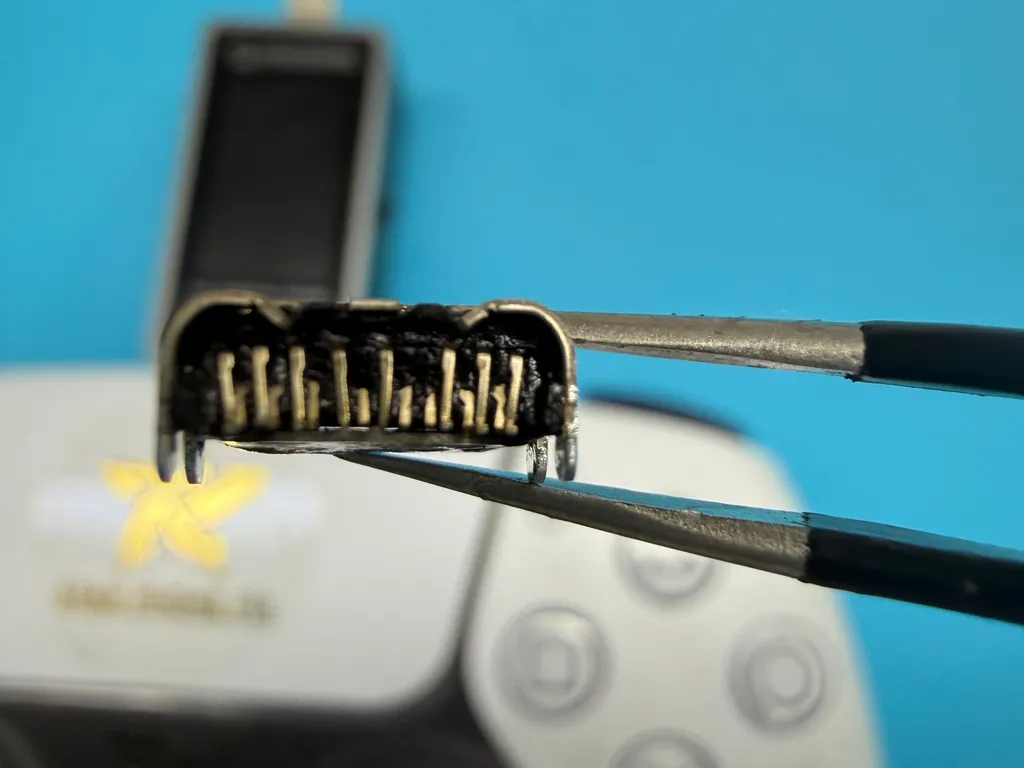
Debris is the other big cause. When lint or a bent contact bridges two pins, the port can short and burn, leaving the blackened contacts you see in the photo below. At that point cleaning will not help: the port has to be removed and replaced.
Port or Battery? How We Tell the Difference
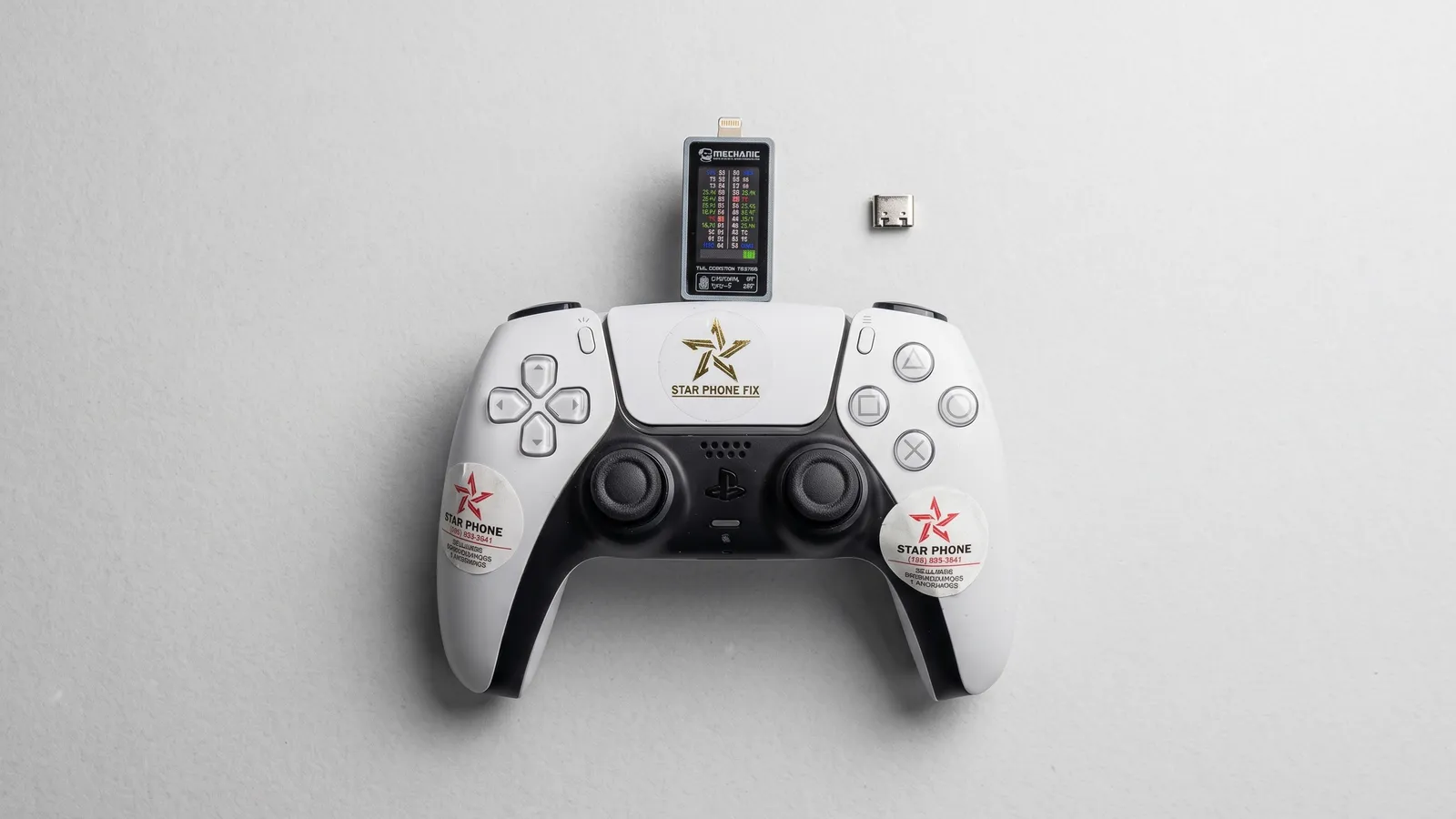
A controller that will not charge can also have a worn out battery or a problem in the charging circuit, so guessing is not enough. We connect the controller to a USB-C power tester, like the one in the main photo, and watch how much current it actually draws. A port that draws nothing, or cuts in and out when the plug is moved, points to the port or its solder joints. A controller that draws normal current but still dies quickly points to the battery instead. That simple measurement keeps you from paying for the wrong part.
What a PS5 Controller Charging Port Replacement Involves
The USB-C port is soldered to a circuit board inside the controller, so replacing it is a soldering job, not a plug and play swap. The controller is opened and the board is removed. Then the old port is desoldered with controlled heat and flux, the pads are cleaned, and a new port is soldered in place. Every pin is checked under magnification for bridges or weak joints, and the controller is tested for charging current and for a wired connection to the PS5 before it is closed.
The board is small and densely packed, and too much heat can lift pads or damage nearby components. That is why this repair is best left to a bench with the right tools. If your DualSense is showing these signs, our PS5 Controller Repair page explains how we diagnose and fix charging problems at our Hialeah shop.
Frequently Asked Questions
Why is my PS5 controller not charging?
The most common causes are a faulty cable, lint packed inside the port, a worn or damaged USB-C charging port, or a battery at the end of its life. Try a different data cable, another power source, and a careful cleaning first. If it still will not charge, the port or battery needs testing.
Can a PS5 controller charging port be replaced?
Yes. The USB-C port on a DualSense is soldered to a circuit board, and it can be desoldered and replaced with a new one without replacing the whole controller. The repair needs controlled heat, flux, and magnification, so it is best done by a technician with soldering experience.
How do I know if it is the port or the battery?
If the controller only charges at a certain cable angle, or the plug feels loose, the port is the likely cause. If it charges normally but runs out of power very quickly, the battery is more likely. A USB power tester that measures current draw confirms which part has actually failed.