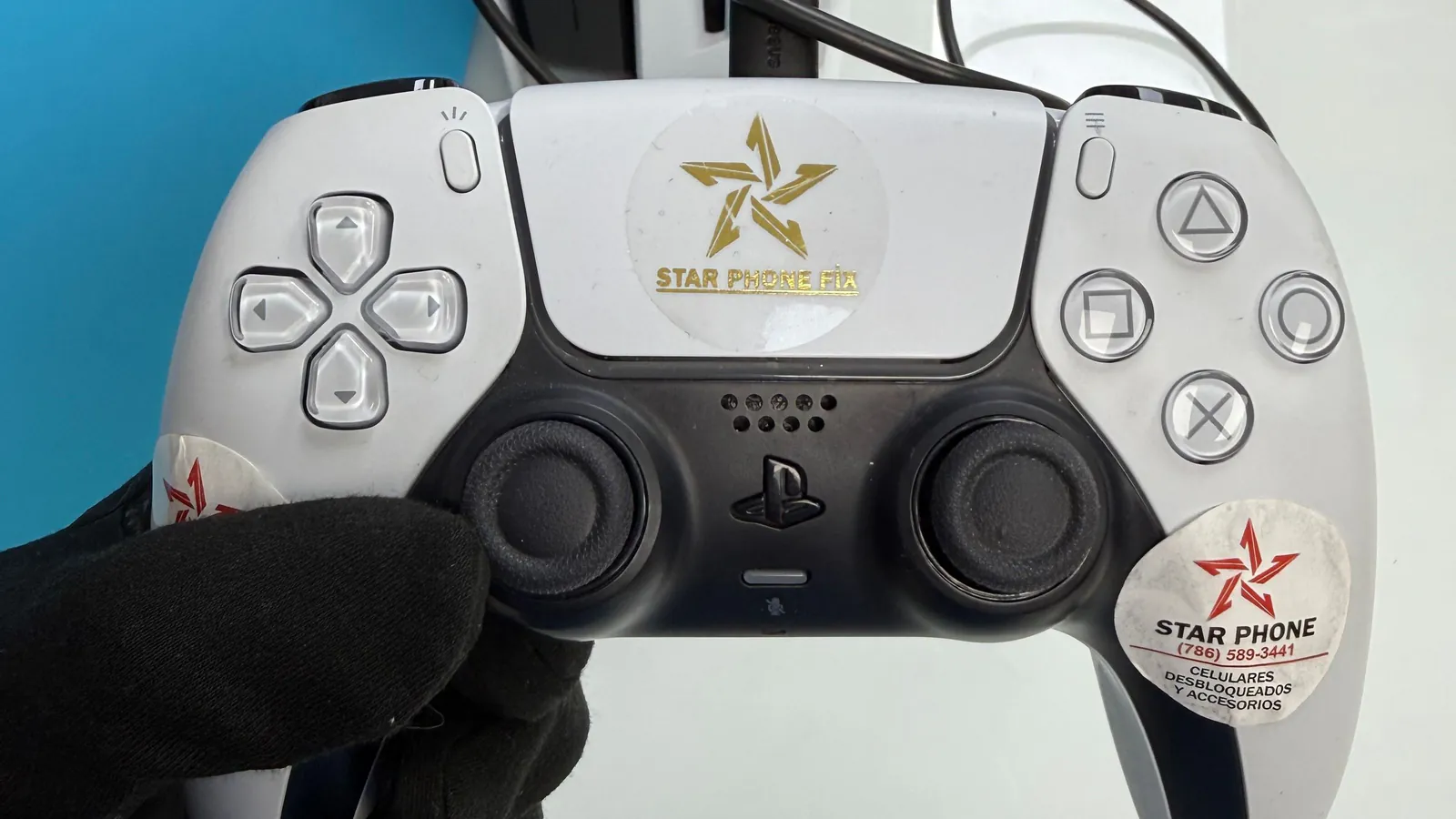
Step 1: Charge It With a Known-Good Cable
- Use a USB-C cable that you know carries data and power. Many cheap cables only charge, or are worn at the tip.
- Plug it into the console's front USB port or a wall adapter, not a hub.
- A fully drained controller can take a few minutes before the light bar responds.
- If the light bar does not react at all with two different cables, the problem is in the port or the battery, not in the settings.
Step 2: Do a Soft Reset With the Reset Button
- Turn off the PS5, or unplug the controller from the PC.
- Find the small hole on the back of the DualSense, next to the Sony logo. The reset button is inside.
- Press it with a pin or a paper clip for about 5 seconds.
- Connect the controller with the USB cable and press the PS button to pair it again.
Step 3: Re-Pair the Controller
- With another controller or the PS Remote Play app, go to Settings > Accessories > Bluetooth Accessories and delete the controller.
- Connect it with the cable and press the PS button.
- If it works with the cable but disconnects wirelessly, look for interference: other Bluetooth devices, a router right next to the console, or a PS5 inside a closed cabinet.
Step 4: Update the Controller Firmware
- On the PS5: Settings > Accessories > Controllers (General) > Wireless Controller Device Software.
- On a Windows PC: Sony's Firmware updater for DualSense wireless controller app.
- Old firmware can cause disconnections and input lag, especially after a console update.
Step 5: Test Stick Drift the Right Way
- Open a game or app with a free camera and leave the sticks untouched. If the view moves, there is drift.
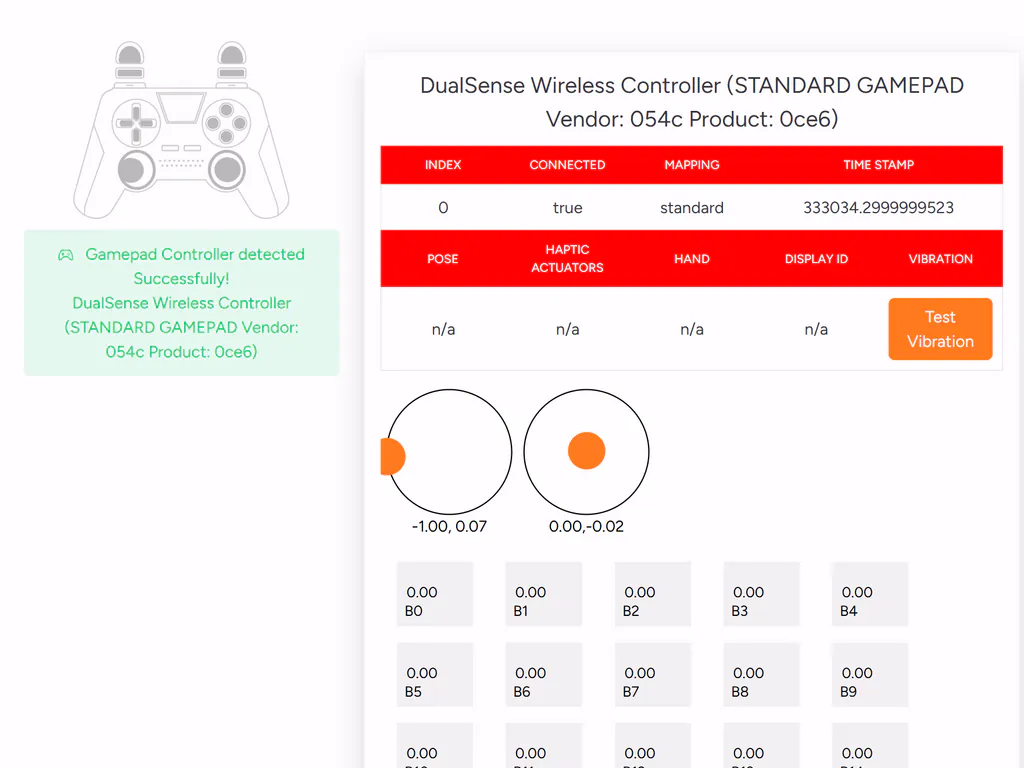
- On a PC, a gamepad tester website shows the exact stick values. A stick that does not return to center, or jumps, is worn.
- Some games let you raise the dead zone. That hides mild drift, but it does not fix the worn part.
- Compressed air and contact cleaner only help for a short time, because the real cause is wear inside the joystick module.
Step 6: Check Buttons and Triggers
- Sticky or unresponsive buttons usually come from dirt or worn conductive pads under the button.
- Triggers that lose resistance or click can have a worn adaptive trigger motor or gear.
- Check Settings > Accessibility > Controllers to make sure no button remapping is active before assuming a hardware fault.
Signs It Is a Hardware Fault
- Does not charge with two good cables, or only charges at a certain angle: charging port or battery.
- Battery lasts much less than before: battery wear.
- Stick drift that comes back after cleaning: worn joystick module.
- Connects only by cable, even after a reset and a firmware update: internal antenna or board fault.
- No response at all and no light bar: battery, battery connector, or board.
Why Opening It Without Experience Is Risky
The DualSense has thin ribbon cables, a battery connector that breaks easily, and joystick modules soldered to the board. Many controllers that reach a repair bench started as a simple battery or stick swap at home that damaged something else, like the broken battery connector case. For console problems rather than controller ones, see the PS5 troubleshooting guide for beginners.
Need Your DualSense Checked in Hialeah?
Star Phone Fix repairs DualSense and DualSense Edge controllers at its Hialeah shop: stick drift with standard, Hall Effect, or TMR modules, charging port, battery, buttons, and triggers. Our PS5 Controller Repair page covers each of these repairs.
Frequently Asked Questions
Where is the reset button on a PS5 controller?
On the back of the DualSense, inside a small hole next to the Sony logo. Turn off the PS5, press the button for about 5 seconds with a pin or paper clip, then connect the controller with a USB cable and press the PS button to pair it again.
Why does my PS5 controller only work with the cable?
Usually it is a pairing or firmware problem, so reset the controller, delete it from Bluetooth Accessories, and update its firmware. If it still works only by cable after all three steps, the internal antenna or a component on the controller board may be damaged and needs a bench check.
Does resetting the controller fix stick drift?
No. A reset fixes pairing and software glitches, but drift comes from physical wear inside the joystick module. Raising the dead zone in a game can hide mild drift for a while, but the worn module has to be replaced, with a standard, Hall Effect, or TMR stick, to fix it.
How do I update a DualSense controller?
On the PS5, go to Settings > Accessories > Controllers (General) and open Wireless Controller Device Software while the controller is connected. On a Windows PC, install Sony's Firmware updater for DualSense wireless controller and connect the controller by USB cable to run the update.