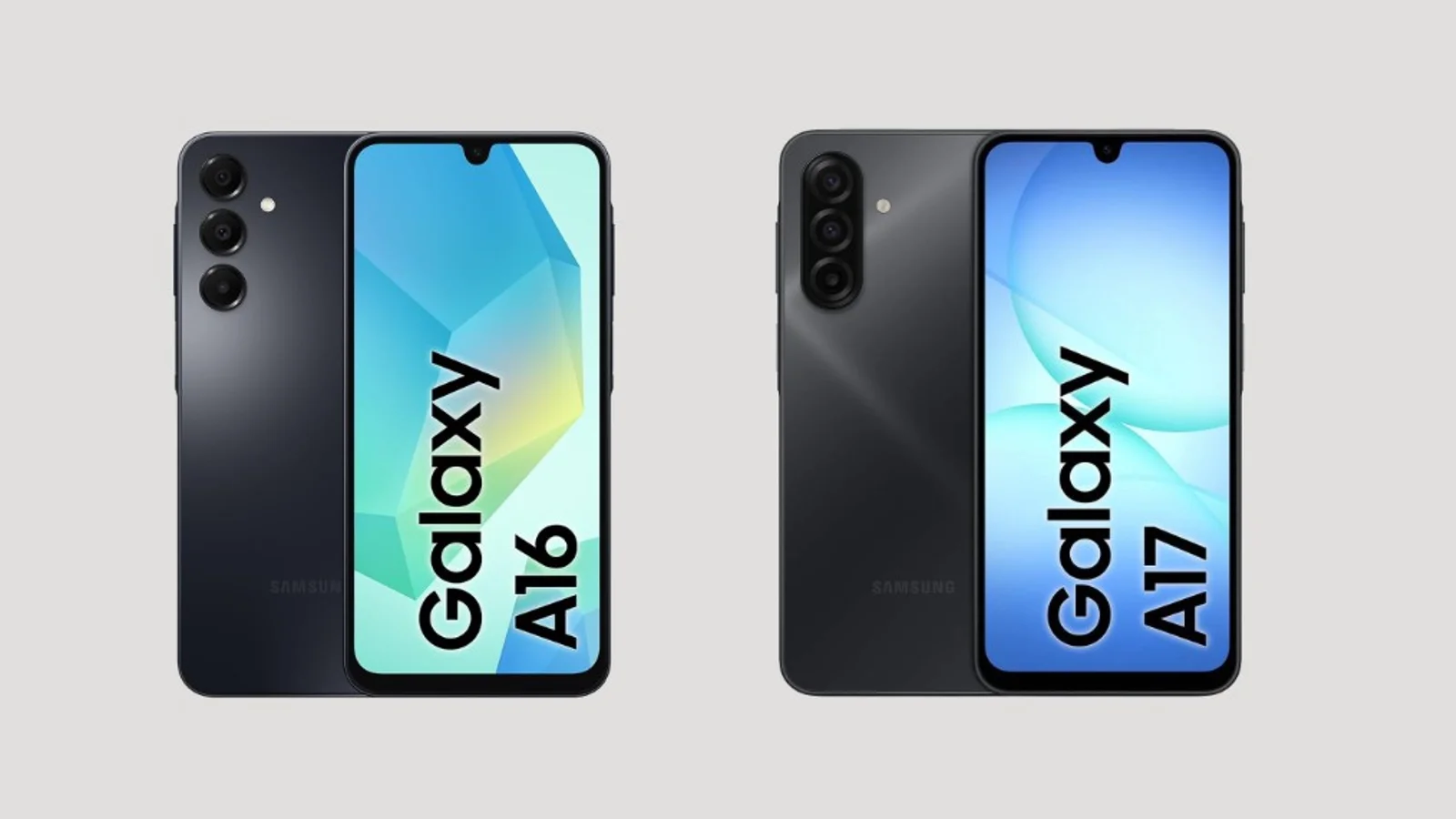
Galaxy A Model Numbers by Year
Samsung's modern naming uses two digits. The first digit generally marks where a model sits within that year's lineup, and the second tracks the generation. Samsung has changed strategy and added 4G and 5G variants over the years, though, so the number by itself should never be the only thing you use to decide which phone is better.
| Year | Ending | Main models |
|---|---|---|
| 2019 | x0 | A10, A20, A30, A40, A50, A60, A70, A80, A90 |
| 2020 | x1 | A01, A11, A21, A31, A41, A51, A71 |
| 2021 | x2 | A02, A12, A22, A32, A42, A52, A72 |
| 2022 | x3 | A03, A13, A23, A33, A53, A73 |
| 2023 | x4 | A04, A14, A24, A34, A54 |
| 2024 | x5 | A05, A15, A25, A35, A55 |
| 2025 | x6 | A06, A16, A26, A36, A56 |
| 2026 | x7 | A07, A17, A27, A37, A57 |
Availability varies by region, and Samsung sometimes ships different processors, memory, and connectivity for the same model number depending on the market, so it is always worth double-checking the exact specs for your area before you buy.
What Actually Changes Between Models in the Same Year
Within any given year, the first digit tells you roughly which tier a phone belongs to, and the tiers behave pretty consistently across generations.
- A0x series: Entry level. Usually prioritizes price and battery life over everything else, with LCD or PLS screens and processors built for everyday use rather than heavy multitasking.
- A1x and A2x series: Budget to mid-range. Depending on the year, you will start seeing higher-resolution or 90 Hz screens, better cameras, NFC, and 5G variants.
- A3x series: A more complete mid-range tier. Many generations add Super AMOLED displays, better cameras, and sturdier construction, a clear step up from the A0x line.
- A5x series: The upper mid-range of the family. Typically gets the best materials, processors, cameras, and screens the A series offers that generation.
Why the Model Number Alone Can Mislead You
A newer phone from a budget series can genuinely beat an older phone from a higher series on processor, software support, or efficiency, and still lose on screen quality, camera hardware, stabilization, NFC, or build quality. The only way to know for sure is to compare component by component instead of trusting the number.
A quick method that works for comparing any two Galaxy A phones:
- Processor: Identify the exact chipset. "Both are octa-core" does not tell you much on its own.
- Screen: Check the technology (PLS or LCD versus Super AMOLED), the resolution, and the refresh rate.
- Cameras: Look at megapixels, ultra-wide sensors, and whether optical image stabilization (OIS) is included.
- Memory: Compare RAM, storage capacity, and storage type.
- Connectivity: Confirm 4G versus 5G, NFC, Wi-Fi, Bluetooth, and SIM type.
- Battery: Check capacity and charging speed.
- Software support: Newer models usually have more years of updates left.
- Repairability: Check the screen type and what a replacement would cost before you buy, not after.
Case Study: Galaxy A07 vs. Galaxy A14
This pairing shows why a lower model number is not automatically the weaker phone. The Galaxy A07 4G uses a MediaTek Helio G99, up from the Helio G85 in its predecessor and built on a more efficient 6nm process. The Galaxy A14 4G, in one of its variants, uses the older Helio G80. Benchmark data collected by NanoReview shows a meaningful synthetic performance advantage for the A07, though the A14 can still hold its own in other areas depending on the exact variant and market, so it is worth confirming the specific model you are looking at.
| Aspect | Galaxy A07 4G | Galaxy A14 4G | Edge |
|---|---|---|---|
| Processor | Helio G99, 6nm | Helio G80, 12nm | A07 |
| Screen | 6.7", HD+, 90Hz | 6.6", FHD+, 90Hz | A14 (resolution) |
| Storage type | UFS 2.2 (variant compared) | eMMC 5.1 | A07 |
| Software | Newer, more update runway | Older | A07 |
| Cameras | 50MP + 2MP | 50MP + 5MP + 2MP | A14 (versatility) |
The takeaway: the A07 is a good example of how a new generation can deliver a real processor jump, while a previous generation's higher-tier phone can still hold on to advantages in screen or photography.
Case Study: Galaxy A23 vs. Galaxy A06
Here the situation flips. The A23 is the older phone but from a higher tier. It runs a Snapdragon 680 on a 6nm process, while the newer A06 uses a MediaTek Helio G85 on 12nm. NanoReview benchmark data puts the A23 roughly 18 percent ahead of the A06 in AnTuTu. The A23 also has a higher-resolution 90Hz screen and optical image stabilization on its main camera, both of which the A06 lacks. The A06's advantage is being newer, with a more recent version of Android out of the box.
| Aspect | Galaxy A23 | Galaxy A06 | Edge |
|---|---|---|---|
| Processor | Snapdragon 680, 6nm | Helio G85, 12nm | A23 |
| Screen | FHD+, 90Hz | HD+, 60Hz | A23 |
| Main camera | 50MP with OIS | 50MP without OIS | A23 |
| Software out of box | Older | Newer | A06 |
| Release year | 2022 | 2024 | A06 |
If price and physical condition are similar, the A23 can still be the more technically complete phone in screen, camera, and raw performance, while the A06 may be the more appealing pick for its newer software and longer runway of updates ahead.
How to Spot a Real Processor Jump
Not every generational change is minor. The move from the A06 to the A07 is a good example: Samsung swapped the MediaTek G85 for the G99 and moved from a 12nm to a 6nm manufacturing process, a change that can show up in faster load times, smoother multitasking, better gaming performance, and improved battery efficiency. When you are comparing two chips, look at the exact model, the manufacturing process, the CPU and GPU, and benchmarks run on the same phone variant if you can find them. Clock speed alone does not tell you which processor is actually faster.
Screen Type and What It Means for Repair Costs
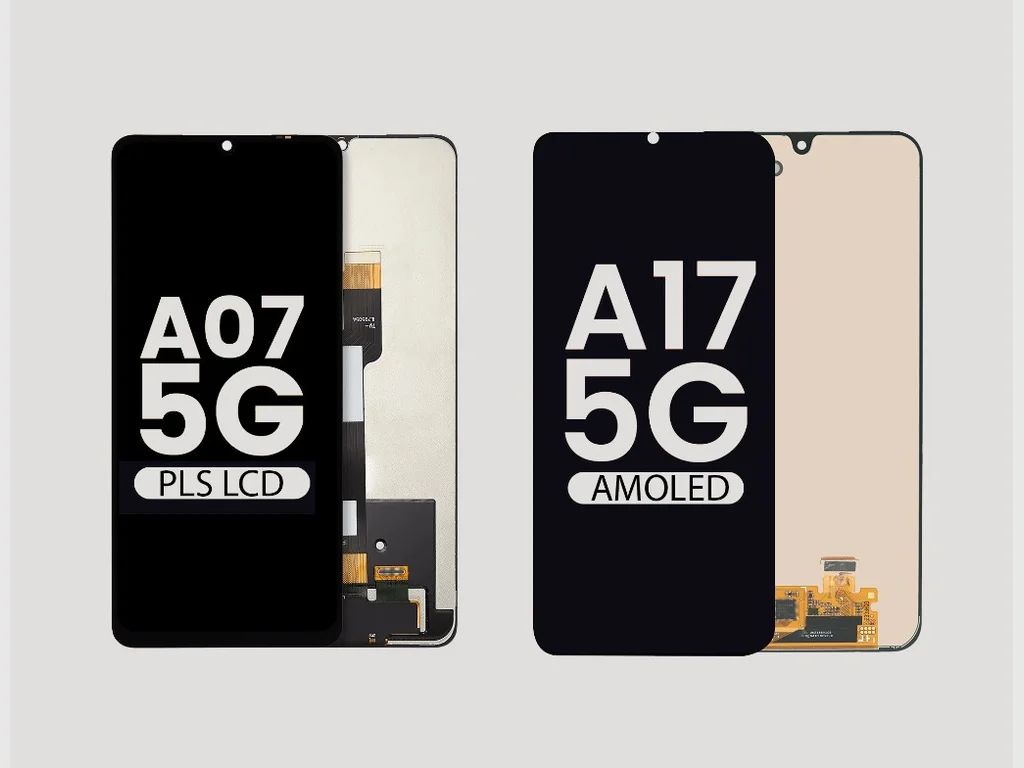
A Super AMOLED or AMOLED display generally costs more to replace than an equivalent LCD or PLS screen. LCD and PLS panels are more common on entry-level models and tend to be less expensive to repair, while Super AMOLED offers deeper blacks, better contrast, and richer color at the cost of a pricier replacement, and the gap grows further on the premium end of the A series. Before buying a used Galaxy A, it is worth checking what a screen replacement actually costs for that specific model, not just the price of the phone itself. If you already own a Samsung and want a clear answer for your exact device, our Samsung screen repair page covers what that looks like in practice.
Does Every Galaxy A Have a microSD Slot?
Many Galaxy A phones include a microSD slot for extra storage, especially in the entry-level and mid-range models, but it is not accurate to say every Galaxy A has one. The Galaxy A07 and A06 both offer microSD expansion, and Samsung lists it for the A14 and A23 as well. The Galaxy A56 5G, on the other hand, uses internal storage with SIM or eSIM only and skips the microSD slot entirely. The safest approach is to check the exact model's specs rather than assume the whole family works the same way.
Quick Reference: What to Check Based on Your Priority
| If your priority is... | Look mainly at... |
|---|---|
| Low price | A0x and A1x, but check the processor and screen |
| Strong performance | Chipset, GPU, RAM, and storage |
| Screen quality | Super AMOLED or AMOLED, resolution, refresh rate |
| Photography | OIS, ultra-wide lens, main sensor |
| Long-term use | Release date and update policy |
| Affordable repairs | Screen type and parts availability |
| More storage | Internal capacity and microSD support |
The Right Question to Ask Before You Buy
The best way to compare a Samsung Galaxy A is not to look at the year or the first digit of the model number by itself. It comes down to the processor, screen, cameras, memory, connectivity, battery, remaining software support, and repair cost. A Galaxy A07 can genuinely be more modern and efficient than an A14, while an A23 can still out-perform an A06 in several ways despite being two generations older. The question is not simply "which one is newer," it is "which components are actually better, and what would it cost to keep or repair that phone."
If you already have a Samsung and something is not working right, our Samsung repair page covers the issues we see most often, from cracked screens to charging problems.