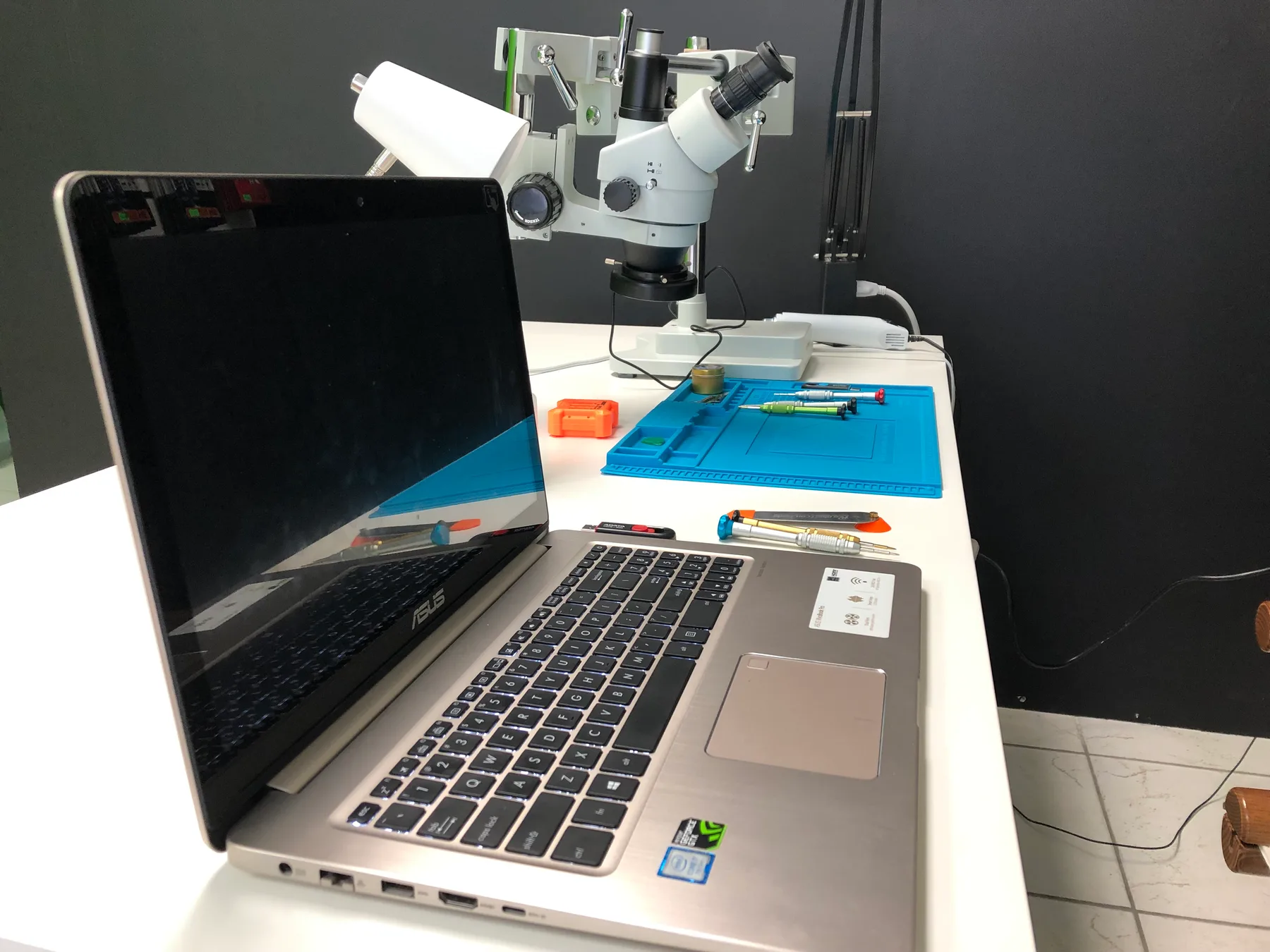
Computer Internal Maintenance in Hialeah
Loud fan noise, a computer that runs hot, or performance that drops after a while? Star Phone Fix cleans out dust and replaces thermal paste on laptops, desktops, and gaming PCs to keep them running cool.
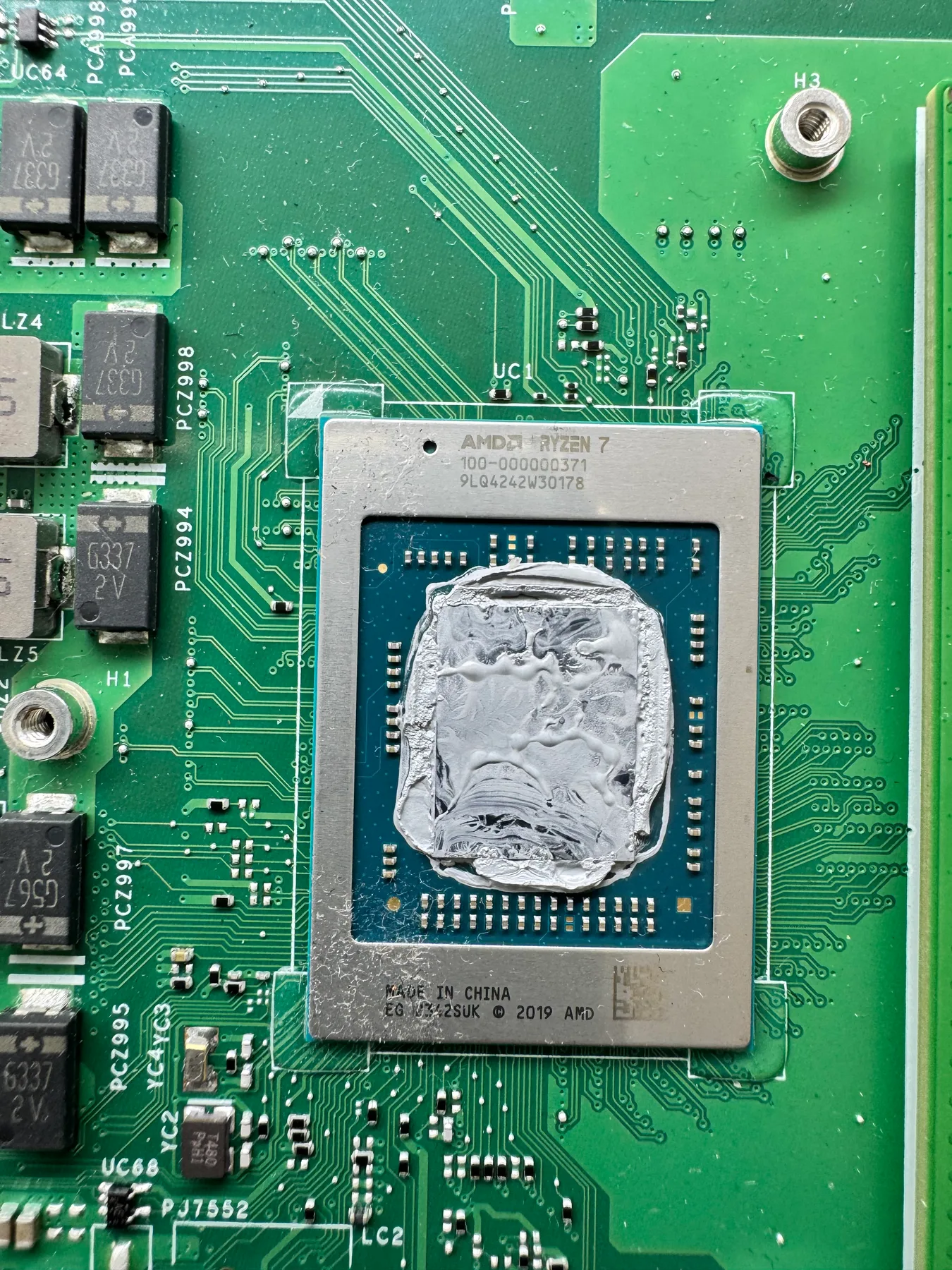
Internal cleaning and maintenance for any computer
Dust buildup inside a computer is one of the most common, and most overlooked, causes of overheating, loud fans, and slow performance over time. It affects laptops, desktop towers, and gaming PCs alike, just in slightly different spots depending on the case design.
We open the case, clean out the fans and vents, and replace dried-out thermal paste on the processor, which restores proper heat transfer and quiets down a fan that's been working overtime.
This is maintenance, not a repair for a specific failure, so it works best as a preventive step once your computer starts running hotter or louder than it used to, rather than waiting for a full shutdown.
No appointment is required to visit our Hialeah shop, and you can call ahead if you want timing or quote guidance first. If your laptop also has a battery, screen, or hinge issue, visit our laptop repair page for those laptop-specific fixes.
Signs you need Computer Internal Maintenance
- Fan runs loud even during light use
- Computer feels hotter than it used to
- Performance drops after running for a while
- Vents visibly clogged with dust or lint
Get a Fast, Free Quote
Bring in your device for a free diagnosis, no appointment needed. No fix, no charge. Our technicians speak English and Spanish.
Call (786) 589-3441Frequently Asked Questions
Do I need an appointment for internal maintenance?
No appointment is required. You can walk into our repair shop in Hialeah during business hours. If you prefer, call (786) 589-3441 first to ask about availability, timing, and a personalized quote.
What does internal maintenance actually include?
It typically covers cleaning out dust from the fans and vents, replacing dried thermal paste, and checking that internal connections are seated properly, all aimed at reducing overheating and improving performance.
How often should a computer get internal maintenance?
Roughly once a year for regular use, or sooner if you notice the fan running loud constantly or the computer feels hotter than usual. Dust buildup is the main factor that makes maintenance necessary.
Can maintenance fix a computer that's loud or overheating?
In many cases, yes. Dust-clogged fans and old thermal paste are common causes of both noise and heat. We check during diagnosis whether maintenance alone resolves it or something else is involved.
Will internal maintenance affect my files or installed programs?
No, this is a hardware cleaning service and doesn't touch your operating system or files.
Does computer internal maintenance come with a warranty?
There is no parts warranty because no part is replaced. If the same problem we worked on comes back or something was not done right, bring it in within 90 days and we correct it at no extra charge. Repairs where we replace a part include a 90-day warranty.
Request a quote for laptop internal maintenance
Bring your laptop to Star Phone Fix in Hialeah for a free diagnosis. We will explain the issue, answer your questions, and prepare a personalized quote before any laptop internal maintenance work begins.