Computer Malware & Virus Removal in Hialeah
Pop-up ads, a browser that's been hijacked, or a computer that suddenly runs much slower? Star Phone Fix removes malware and viruses from laptops and desktop computers, and explains what caused it.
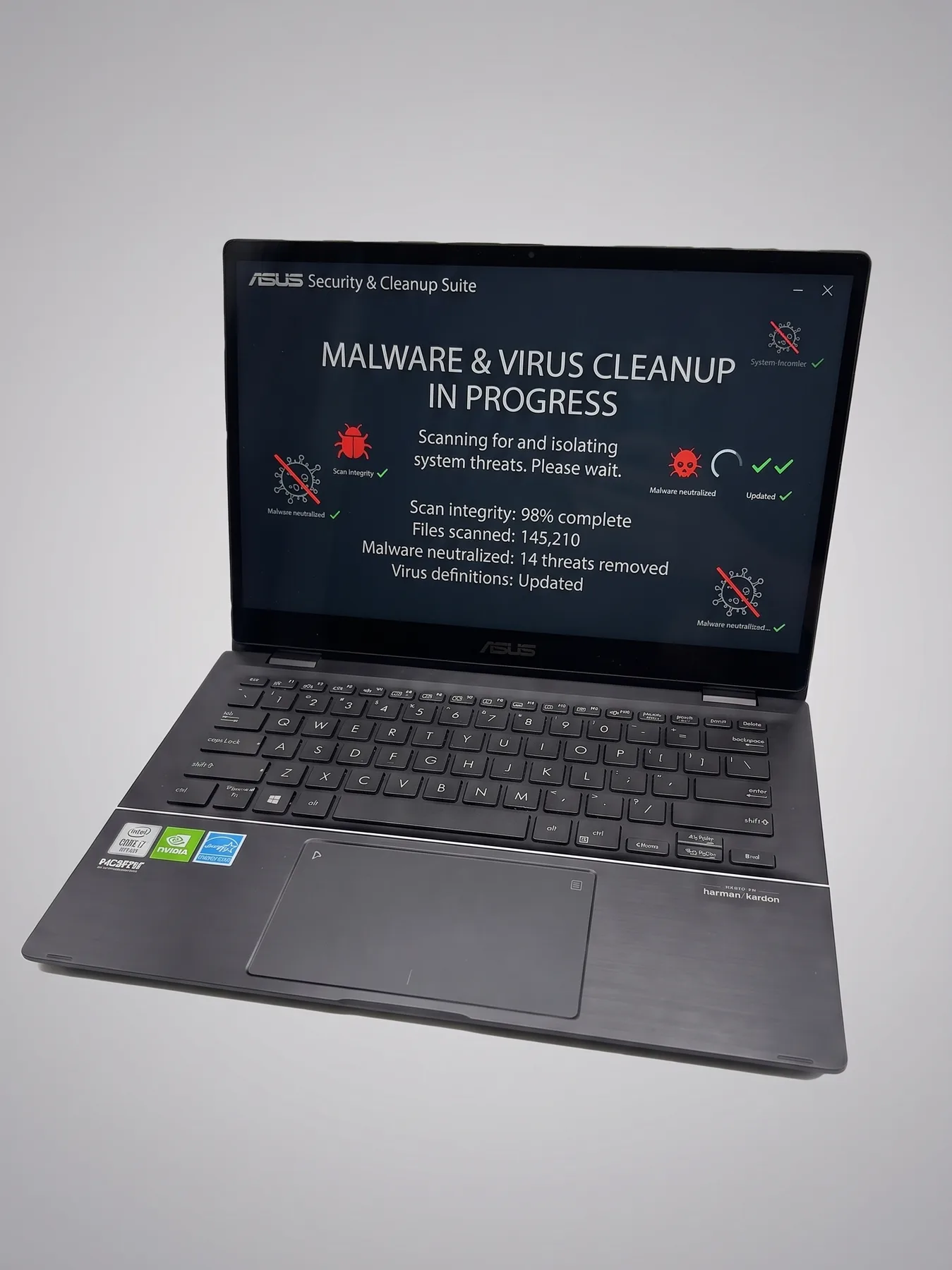
Malware and virus removal for any computer
An infected computer doesn't always announce itself clearly. Sometimes it's constant pop-ups and fake Microsoft or McAfee alerts, a browser whose home page and search engine changed on their own, or a toolbar you never installed. Other times it's just a Windows laptop or a desktop that got noticeably slower, with the fan running and the disk busy while nothing is open. We check for both possibilities during diagnosis rather than assuming.
Our computer virus removal goes further than running a single antivirus scan. We look at the programs that start with Windows, scheduled tasks, browser extensions, notification permissions, and DNS settings, remove the adware, spyware, or browser hijacker we find, and update Windows and its built-in protection before the computer leaves the shop. On a Mac we clean the same kind of adware and profile-based hijackers from macOS.
We aim to remove the infection without wiping your personal files. In rare cases where the infection is deeply embedded in the system, a reset may be the safer option, but we always explain that before doing anything.
Once the computer is clean, we point out what likely caused the infection, a sketchy download, a phishing link, a fake update prompt, so it's less likely to happen again.
No appointment is required to visit our Hialeah shop, and you can call ahead if you want timing or quote guidance first. If your laptop also has a battery, screen, or hinge issue, visit our laptop repair page for those laptop-specific fixes.
Signs your computer needs malware and virus removal
- Constant pop-up ads, even outside the browser
- Unfamiliar toolbars or programs you didn't install
- Computer runs noticeably slower than before
- Browser homepage or search engine changed on its own
Get a Fast, Free Quote
Bring in your device for a free diagnosis, no appointment needed. No fix, no charge. Our technicians speak English and Spanish.
Call (786) 589-3441Frequently Asked Questions
Do I need an appointment for malware removal?
No appointment is required. You can walk into our repair shop in Hialeah during business hours. If you prefer, call (786) 589-3441 first to ask about availability, timing, and a personalized quote.
What are the signs my computer has malware instead of just running slow?
Pop-up ads appearing outside your browser, programs you didn't install, a browser homepage that changed on its own, or unfamiliar toolbars are common signs. General slowness on its own isn't always malware, so we check both possibilities.
Will removing malware from my computer delete my files or programs?
We aim to remove the infection without wiping your personal files. In rare cases where the infection is deeply embedded, a reset may be the safer option, but we always explain that before proceeding.
How did my computer get infected in the first place?
Malware usually comes from a bundled download, a malicious link, or a fake update prompt. Once it's removed, we can point out what to avoid so it doesn't happen again.
Do I need to change my passwords after a malware removal?
It's a smart precaution, especially for banking, email, and any account you accessed while the computer was infected. We can walk you through which accounts are worth prioritizing.
Does computer malware & virus removal come with a warranty?
There is no warranty because no part is replaced, and a device can be infected again through later use. Some viruses hide and wait, for example until the device connects to Wi-Fi. If the same symptoms are still there and nothing new was installed after pickup, bring it in within 90 days and we finish the job at no extra charge. No fix, no charge.
Request a quote for computer malware removal
Bring your laptop or desktop to Star Phone Fix in Hialeah for a free diagnosis. We will show you what is running in the background, answer your questions, and prepare a personalized quote before any malware removal work begins.