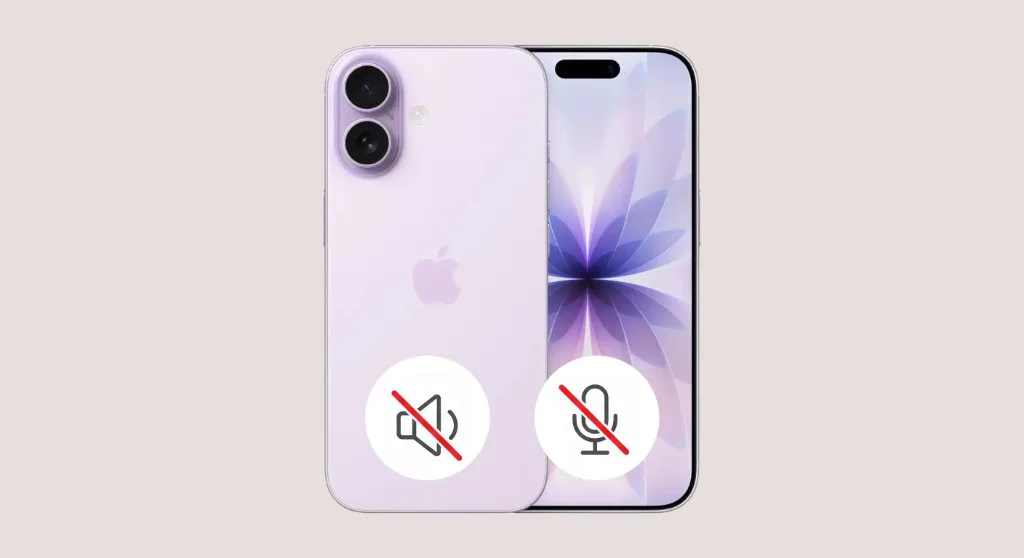
iPhone Speaker & Microphone Repair in Hialeah
Can't be heard on calls, Siri stopped responding, or your videos have no sound? Star Phone Fix diagnoses exactly which microphone or speaker failed on your iPhone and prepares a personalized quote before any repair begins.
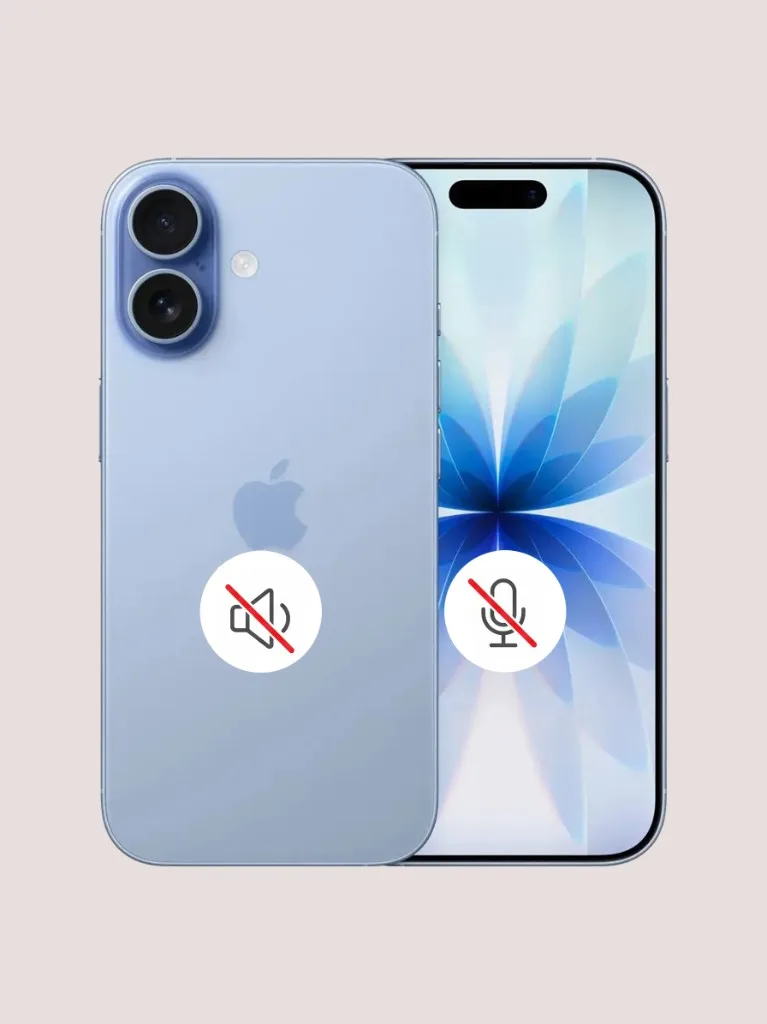
iPhone Speaker & Microphone Repair with Fast, Same-Day Service
Few things are more frustrating than answering an important call only to hear the other person repeatedly say they cannot hear you. You might also notice that your recorded audio messages sound completely empty or full of static. Many users do not realize that iPhones actually have several different microphones and speakers built into the device. There is a specific microphone for regular calls, another for video recordings, one dedicated to Siri, and separate speakers for your ear and media playback. When just one of these parts fails, it completely disrupts how you communicate.
We see these exact failure patterns every day in our shop. For example, a customer might sound crystal clear on a FaceTime video but completely silent on a regular cellular call. Sometimes Siri stops responding entirely, or WhatsApp voice notes record nothing but loud static noise. These clues tell us exactly which specific microphone or speaker failed. We isolate the exact broken component and replace it with a high quality part, saving you money and avoiding unnecessary repairs.
You do not need to struggle through silent phone calls or rely on Bluetooth headphones all day just to communicate. Bring your device to our Hialeah shop for a quick and honest diagnostic. We will test the audio components, find the exact culprit, and give you a transparent quote before any work begins. Most speaker and microphone replacements are completed on the same day, and walk-ins are always welcome. If you have an Android phone instead, visit our Android speaker and microphone repair page.
Signs you need iPhone speaker or microphone repair
- People cannot hear you on regular phone calls but FaceTime works perfectly
- Voice memos and audio messages record nothing but silence or static noise
- WhatsApp, Telegram, and other messaging app calls have absolutely no audio
- You can only hear the other person if you turn on the loud speakerphone
- You can hear calls through the top ear piece but the bottom speakerphone is totally silent
- Siri ignores your voice commands or stops picking up "Hey Siri"
- Videos record with muffled sound or no audio at all
Get a Fast, Free Quote
Bring in your device for a free diagnosis, no appointment needed. Every repair includes a 90-day warranty. No fix, no charge. Our technicians speak English and Spanish.
Call (786) 589-3441Frequently Asked Questions
Do I need an appointment for iPhone speaker or microphone repair?
No appointment is required. You can walk into our repair shop in Hialeah during business hours. If you prefer, call (786) 589-3441 first to ask about availability, timing, and a personalized quote.
People can't hear me on a regular phone call, but they can hear me fine on FaceTime, what does that mean?
iPhone uses a different microphone for regular calls than for FaceTime, video recording, and voice memos. If one works and the other doesn't, it usually points to a single failed microphone rather than a full audio failure, which keeps the repair simpler.
I can only hear the other person if I turn on speakerphone, what's wrong?
That points to the earpiece speaker, the small speaker at the top of the iPhone used for regular calls, rather than the loud speaker used for speakerphone and media. It's a separate component and a common, straightforward repair.
Siri doesn't hear me anymore, is that related to my microphone?
It can be. Siri relies on the same microphones used for calls and recording, so if one has failed, "Hey Siri" and voice commands can be affected too. We test all microphones on the iPhone during diagnosis, not just the one used for calls.
There's no sound or the audio is muffled when I record a video, what's causing that?
This usually points to the microphone near the rear camera used for video recording, which is separate from the call microphone. It's common for this to fail on its own after a drop or exposure to lint and debris, while calls still sound normal.
Will a speaker or microphone repair affect anything else on my iPhone?
No, speaker and microphone repairs are isolated hardware fixes and don't touch your data, apps, or settings. We test calls, FaceTime, Siri, and video recording after the repair to confirm everything works before you leave.
Does iPhone speaker & microphone repair come with a warranty?
Yes. Every repair at Star Phone Fix includes a 90-day warranty that covers the parts we replace and the labor of that repair under normal use. It does not cover new accidental damage, liquid damage after pickup, or software issues unrelated to the repair.
Request a quote for iPhone speaker or microphone repair
Bring your iPhone to Star Phone Fix in Hialeah for a free diagnosis. We will explain the issue, answer your questions, and prepare a personalized quote before any repair work begins.