OLED vs LCD: The Real Difference
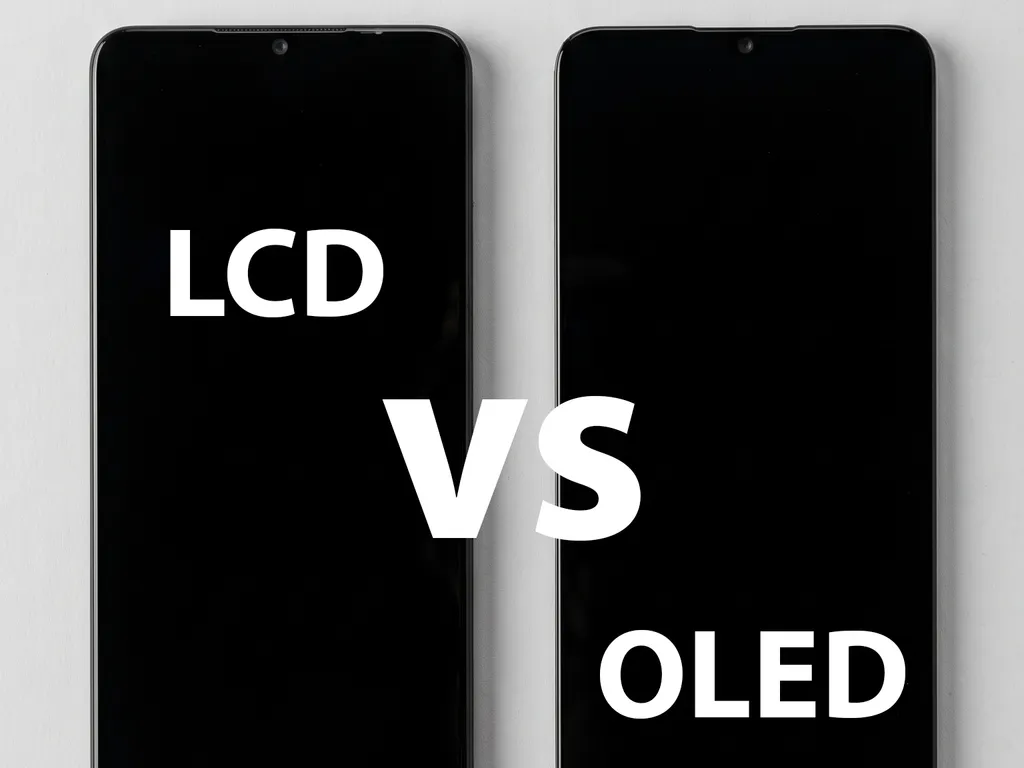
On an OLED screen every pixel makes its own light. Black pixels simply turn off, which gives deep blacks, strong contrast, and a very thin panel. An LCD screen needs a backlight layer behind the pixels, so it is thicker, blacks look more gray than black, and the borders around the picture are usually a little wider.
The difference goes beyond looks. Because an LCD panel is thicker, the phone can feel slightly different in the hand, and features that depend on the OLED panel may not work the same. On many Samsung Galaxy models, for example, the in-display fingerprint reader only works through an OLED panel, so it may stop working with an LCD replacement. A screen that does not match the original specifications also tends to use more battery. An LCD backlight stays on even when the screen is mostly dark, and a panel that works harder than the original generates more heat. That extra heat makes the phone feel warmer and drains the battery even faster.
The Three Replacement Screen Quality Levels
Most repair shops group replacement screens into three general levels. Knowing the names helps you compare quotes from one shop to another.
Economy aftermarket screen (LCD)
This option uses LCD technology, so brightness and contrast are slightly lower than the original, and the borders may be slightly thicker. It is a functional, budget-friendly repair that works well for basic daily use.
Premium quality screen
A premium screen comes very close to the original factory display in brightness, color accuracy, thinness, fit, and touch feel. On phones that came with OLED from the factory, this is the option that keeps the phone looking and feeling the way it did out of the box.
Genuine screen (original)
Genuine screens are original manufacturer parts. Shops usually have some models available in stock, either new or in pull condition (removed from another phone in good shape), and others can be ordered new. Stock changes often, so always call ahead and ask about time, price, and availability for your exact model.
Refresh Rate: Why 60Hz, 90Hz, and 120Hz Matter
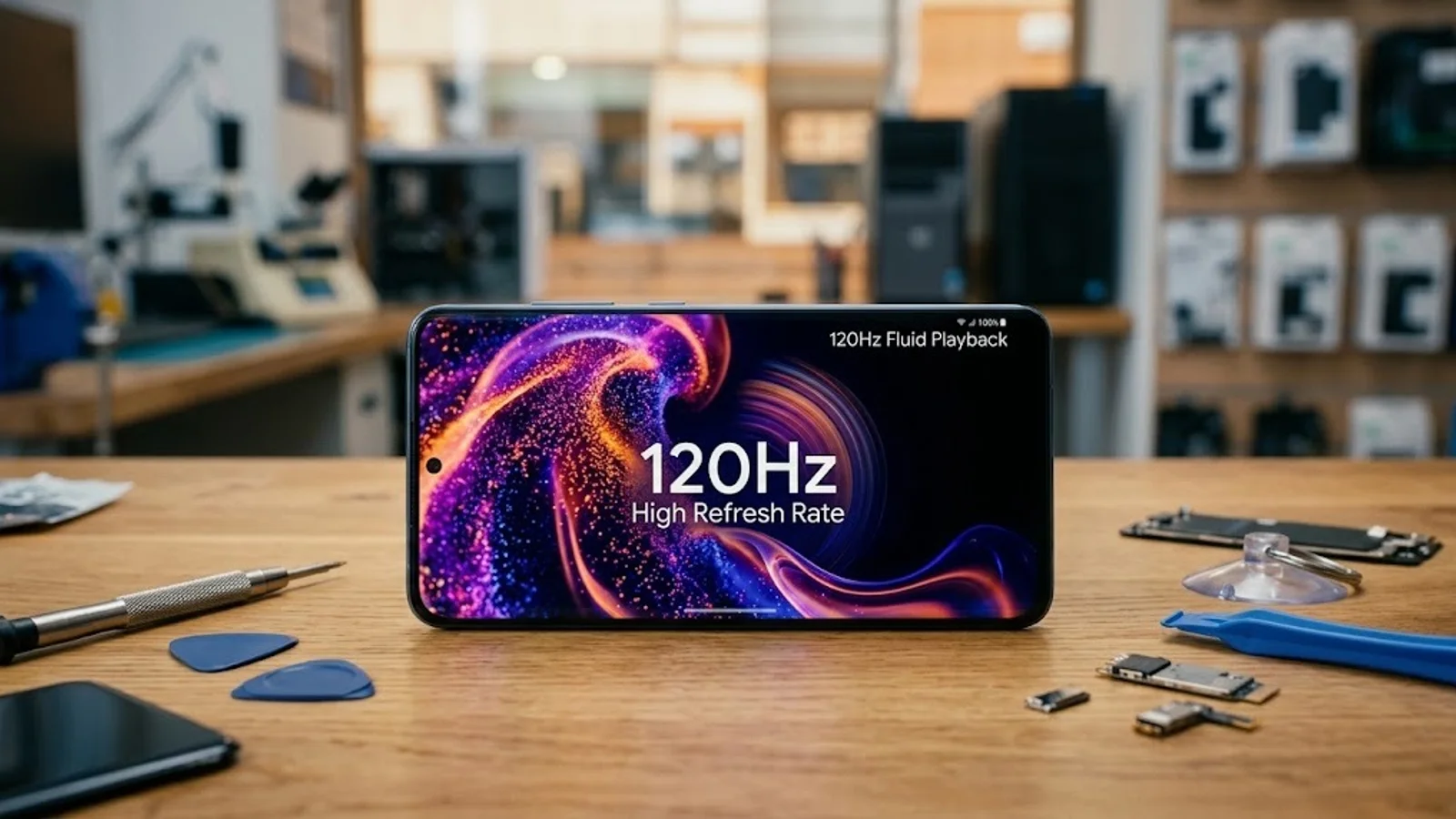
Refresh rate is how many times per second the screen redraws the picture. A 120Hz screen updates twice as often as a 60Hz screen, which makes scrolling, animations, and games look much smoother. If your phone came with a 120Hz display, going down to a 60Hz replacement is immediately noticeable.
One detail many people do not know: refresh rate and panel type are separate. Aftermarket LCD screens come in different refresh rates, such as 90Hz or 120Hz, and the same is true for OLED screens. So "OLED" alone does not guarantee the original speed. That is why the refresh rate is one of the first things you should ask about.
Before the repair, check which refresh rate your phone came with (on an iPhone, ProMotion models are the 120Hz ones) and confirm the replacement screen supports the same rate. A screen that matches the panel type but not the refresh rate is still a downgrade you will notice every day.
The goal is always to match the original specifications, not to go beyond them. A phone that was built with an LCD screen cannot be upgraded to OLED, and a phone that came with a 60Hz display will not run at 120Hz with a new screen, because its hardware and software are designed for the original panel. If your phone came with LCD or 60Hz, a good replacement simply keeps it that way.
Which iPhone Models Have OLED and 120Hz Screens
Here is what each iPhone came with from the factory. If your model is OLED, an LCD replacement will look noticeably different. If it is 120Hz, ask for a replacement that keeps 120Hz.
| iPhone model | Original screen | Refresh rate |
|---|---|---|
| iPhone 8, 8 Plus, SE (2nd and 3rd gen) | LCD | 60Hz |
| iPhone X, XS, XS Max | OLED | 60Hz |
| iPhone XR, 11 | LCD | 60Hz |
| iPhone 11 Pro, 11 Pro Max | OLED | 60Hz |
| iPhone 12 mini, 12, 12 Pro, 12 Pro Max | OLED | 60Hz |
| iPhone 13 mini, 13 | OLED | 60Hz |
| iPhone 13 Pro, 13 Pro Max | OLED | 120Hz |
| iPhone 14, 14 Plus | OLED | 60Hz |
| iPhone 14 Pro, 14 Pro Max | OLED | 120Hz |
| iPhone 15, 15 Plus | OLED | 60Hz |
| iPhone 15 Pro, 15 Pro Max | OLED | 120Hz |
| iPhone 16, 16 Plus, 16e | OLED | 60Hz |
| iPhone 16 Pro, 16 Pro Max | OLED | 120Hz |
| iPhone 17, iPhone Air, 17 Pro, 17 Pro Max | OLED | 120Hz |
| iPhone 18 Pro, 18 Pro Max | OLED | 120Hz |
Which Samsung Galaxy Phones Have OLED and 120Hz Screens
Samsung uses AMOLED, its version of OLED, on almost every Galaxy phone except some of the most affordable A series models. Refresh rates vary more than on iPhone, so this table groups the models we see most often.
| Galaxy model | Original screen | Refresh rate |
|---|---|---|
| Galaxy S20 series and newer, FE models included | AMOLED | 120Hz |
| Galaxy S10 series and older | AMOLED | 60Hz |
| Galaxy Note 20 Ultra | AMOLED | 120Hz |
| Galaxy Z Fold3, Z Flip3 and newer | AMOLED | 120Hz (main screen) |
| Galaxy A53, A54, A55, A56 | AMOLED | 120Hz |
| Galaxy A34, A35, A36 | AMOLED | 120Hz |
| Galaxy A25, A26 | AMOLED | 120Hz |
| Galaxy A15, A16, A17 | AMOLED | 90Hz |
| Galaxy A05s, A06, A07, A14 | LCD | 60Hz or 90Hz |
Samsung sometimes ships different screens for the same model name depending on the region or the 4G and 5G versions, so the exact model number (found in Settings, About phone) is what confirms the right part.
Google Pixel, Motorola, and Other Brands
Every Google Pixel uses an OLED screen. The Pixel 6 Pro, 7 Pro, and every Pixel from the Pixel 8 onward, including the 8a and 9a, run at up to 120Hz. The Pixel 4, 5, 6, 7, and 7a run at 90Hz, and older models and the 6a run at 60Hz. Motorola is more mixed: many Moto G models use LCD, while the Edge line uses OLED at 120Hz or higher. For any brand, the rule is the same: match the original panel type and refresh rate whenever the budget allows.
When an LCD Screen Makes Sense, and When It Does Not
An economy LCD screen has its place. If you plan to trade in or sell the phone soon, an LCD repair gets it working and presentable for less, so you keep more of the trade-in value. The same goes for an old phone you only need to turn on long enough to recover photos, contacts, or two factor codes before moving to a new device.
For a phone you will keep using every day, we do not recommend going from OLED to LCD. The lower contrast, thicker borders, and possible loss of features like the in-display fingerprint reader become noticeable quickly, and many customers end up wishing they had chosen the premium option from the start.
What to Ask Before Your Screen Repair
These questions take a minute and help you compare options clearly, whether you visit us or any other shop:
- Is the replacement OLED or LCD, and what did my phone come with?
- Does it keep the same refresh rate as the original, 60Hz, 90Hz, or 120Hz?
- Is a premium or genuine screen available, and is the genuine one new or in pull condition?
- Will features like the fingerprint reader, Face ID, and True Tone keep working? On many iPhones, True Tone has to be transferred from the original screen.
- How long will the repair take, and is the part in stock or does it need to be ordered?
On iPhone XS and newer models, it also helps to know that a screen that is not a genuine Apple part usually shows an "Unknown Part" notice in Settings, unless it has a pre-programmed chip or the chip from the original screen is transferred to it. The notice does not affect how the phone works, but it is better to hear about it before the repair than after.
How We Handle Screen Options at Our Shop
Every iPhone screen we install keeps the refresh rate your iPhone came with. If your iPhone has a 120Hz ProMotion display, both our Economy and Premium screens are 120Hz, at no extra cost. Our Premium screen is always Soft OLED with the same refresh rate your iPhone was made with: we never install a Premium screen below the original specifications.
This guide describes the three general levels you will find on the market. At our shop we also offer a fourth option, the Premium No-Warning screen, for customers who prefer to avoid the "Unknown Part" notice and keep True Tone.
For Android phones with an OLED screen, such as Samsung Galaxy and Google Pixel, there are two options: a genuine screen or a Soft OLED replacement. We only fit an LCD on an OLED Android phone by special order, when the goal is recovering the data.
iPhone Screen Options at a Glance
| Economy | Premium | Premium No-Warning | Genuine Apple | |
|---|---|---|---|---|
| Display technology | Incell LCD | Soft OLED | Soft OLED with pre-programmed chip | Original Apple (new or pull) |
| Refresh rate | Same as your original (60Hz or 120Hz ProMotion) | Always the same as your original (60Hz or 120Hz ProMotion) | Same as your original (60Hz or 120Hz ProMotion) | Same as your original (60Hz or 120Hz ProMotion) |
| Brightness and color | Slightly lower than original | Very close to original | Very close to original | Original |
| True Tone | Optional | Optional | Yes | Yes |
| "Unknown Part" message in Settings | Usually yes (removal optional) | Usually yes (removal optional) | No | No |
| Availability | In stock, same day | In stock, same day | Ask us, depends on model | Special order, depends on model |
| Warranty | 90 days | 90 days | 90 days | 90 days |
| Best for | Budget repairs, trade-ins, backup phones | Everyday use at a fair price | Keeping True Tone without the warning | The closest to factory condition |
Not having True Tone or seeing the "Unknown Part" notice does not affect how the screen works. Both are optional with the Economy and Premium screens: with a pre-programmed chip, or by transferring the chip from your original screen with microsoldering, True Tone works and the notice does not appear. Both add cost. The chip transfer also adds significant repair time and is not always possible: it depends on the original screen never having been replaced and its chip coming out in good condition. Our iPhone Screen Repair page has the same comparison and answers common questions about each option.
Frequently Asked Questions
Is an LCD replacement screen worth it?
It can be, depending on your plans. An economy LCD screen is a good choice if you will trade in or sell the phone soon, or only need it working to recover your data. For a phone that originally had OLED and that you will use every day, a premium screen is usually the better long-term choice.
Will a replacement screen keep my phone's 120Hz refresh rate?
Not always. Aftermarket LCD and OLED screens are sold in different refresh rates, and some 60Hz panels are made for phones that originally had a 90Hz or 120Hz display. The phone still works, but scrolling and animations look less smooth. Before the repair, ask which refresh rate the replacement screen supports and make sure it matches your phone's original display.
What is the difference between a premium screen and a genuine screen?
A premium screen is a high-quality aftermarket replacement whose colors and brightness are very close to the original. A genuine screen is the part made by the phone's manufacturer, sold new or as a pull (removed from another phone). Genuine screens usually cost more and are not stocked for every model, so their availability should be confirmed before the repair.